
phone mockup
Put your screenshot on 53 3D phone models, from iPhone 18 Pro Max, iPhone Duo (foldable), iPhone 17 Pro. Turn it, light it, animate it and export an image or a video.
How it works
- 1
Drop your screenshot
A screenshot, a screen recording or a whole set of them. They land on the device's screen.
- 2
Pick a device or template
Turn and light the 3D device yourself, or open an animated template and keep its motion.
- 3
Export
PNG, JPG, MP4 or transparent WebM. A batch downloads as one ZIP.
What you can make with a phone mockup
3D phone renders
Rotate the phone to any angle with studio light and a shadow that follows it.
phone mockup videos
Animate the phone with ready templates or your own keyframes, then export MP4 or WebM.
Photo mockups
Real photographs with a phone whose screen is already mapped for your design.
Transparent background
Export PNG or video without a background for slides, sites and editors.
phone mockup
 iPhone 18 Pro Max2026
 iPhone Duo (foldable)2026
 iPhone 17 Pro2025
 iPhone 17 Pro Max2025
 iPhone 162024
 iPhone 16 Pro2024
 iPhone 16 Pro Max2024
 iPhone 152023
 iPhone 15 Pro2023
 iPhone 15 Pro Max2023
 iPhone 14 Plus2022
 iPhone 14 Pro Max2022
 iPhone 132021
 iPhone 13 Pro2021
 iPhone 13 Pro Max2021
 iPhone 12 Pro2020
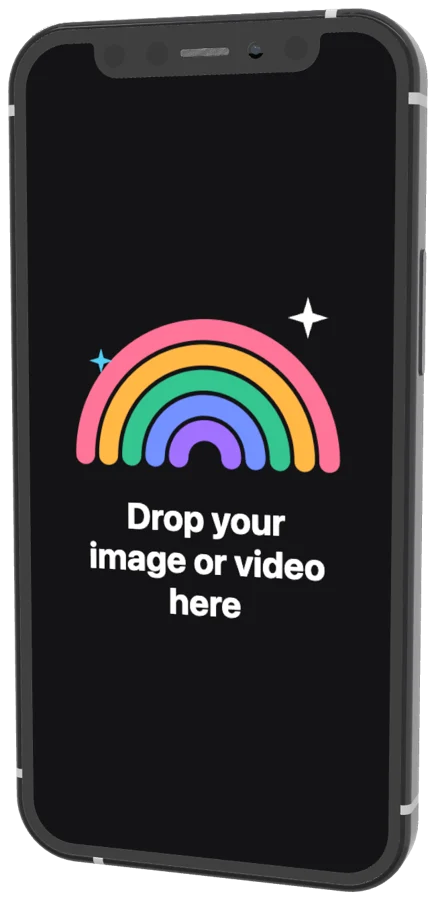 iPhone 12 mini2020
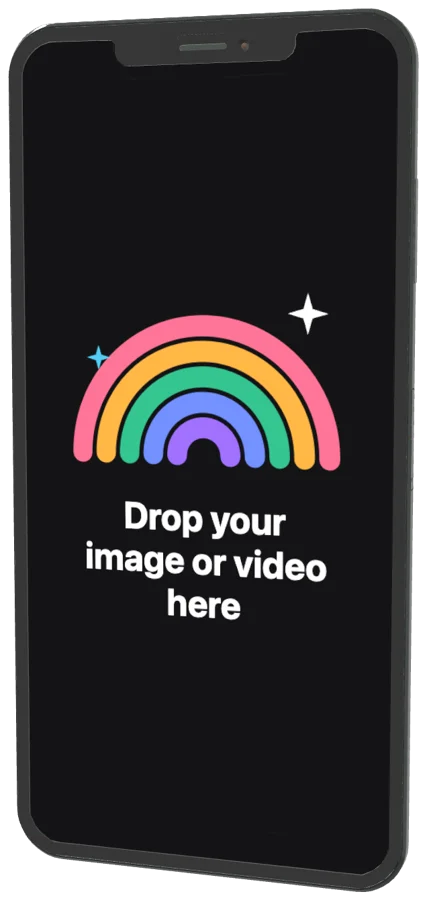 iPhone 11 Pro Max2019
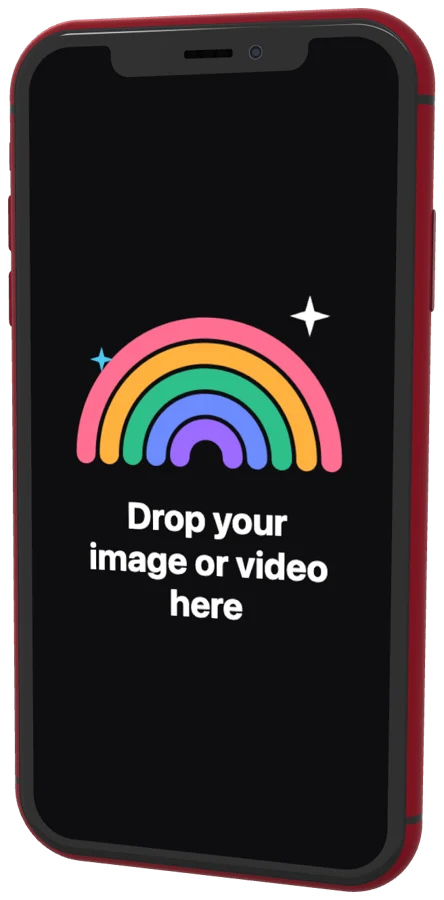 iPhone XR2018
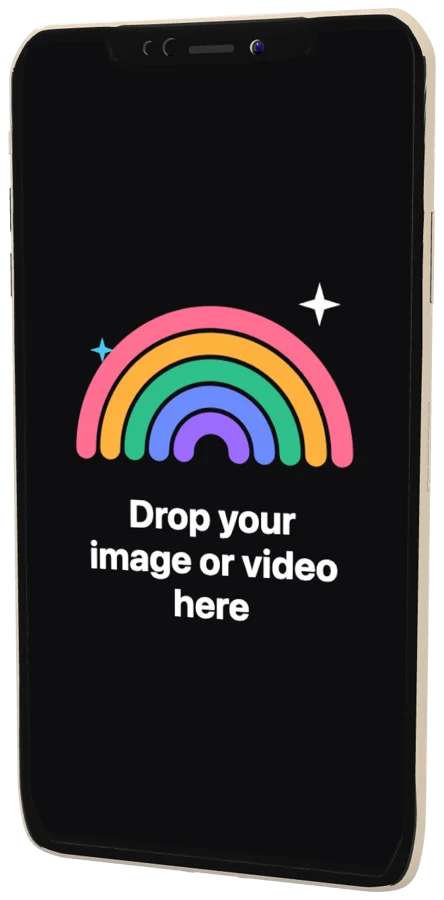 iPhone XS2018
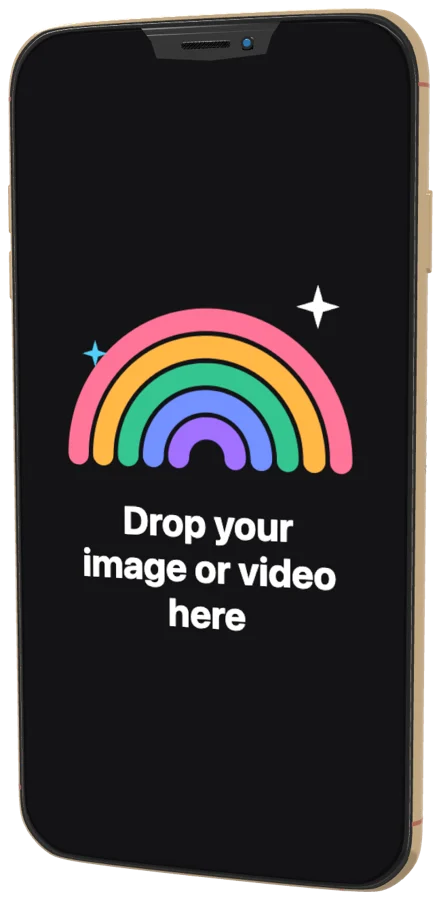 iPhone XS Max2018
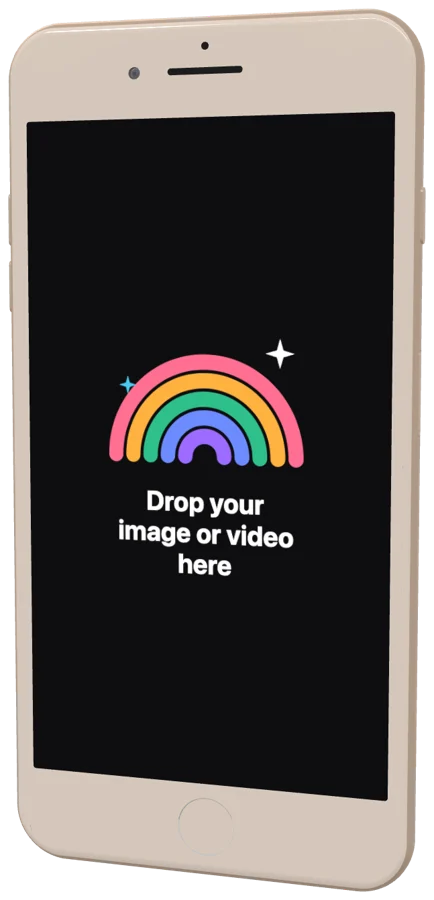 iPhone 8 Plus2017
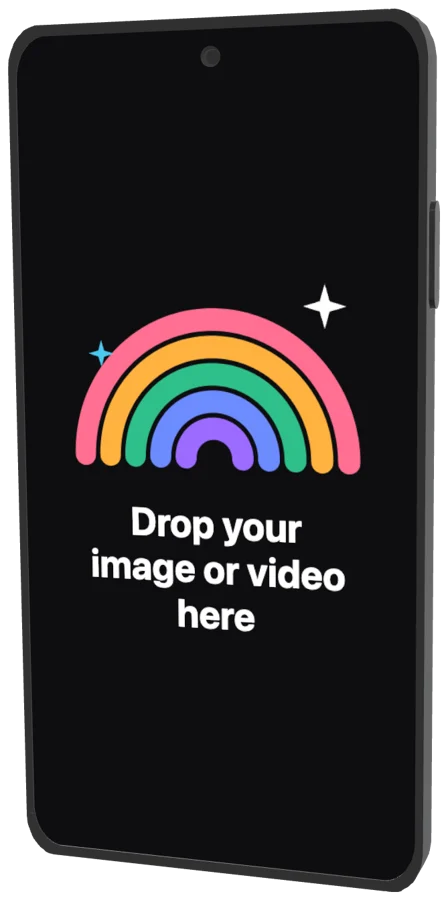 Generic full-screen Android phone (punch-hole, default)2024
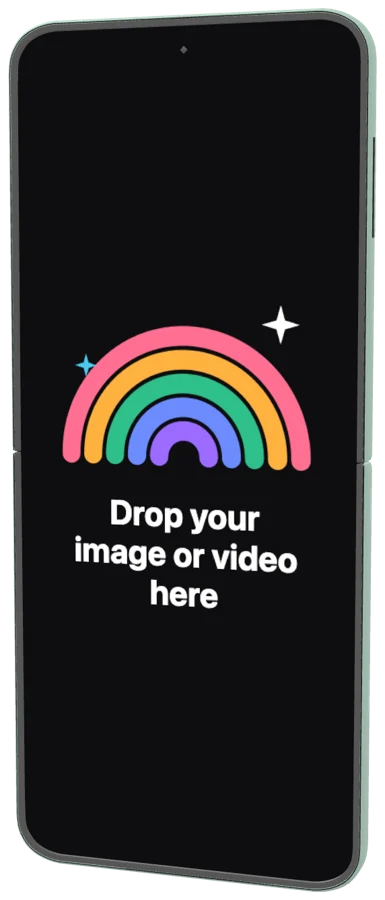 Generic flip foldable (clamshell)2023
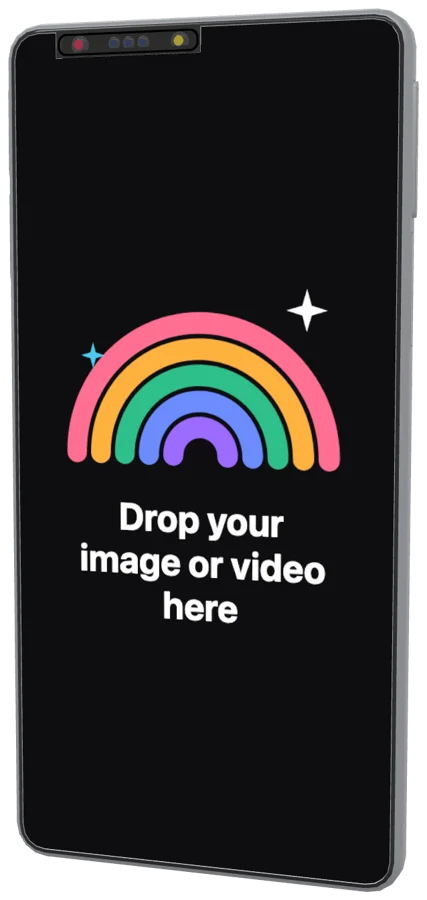 Generic concept / camera-forward Android phone2022
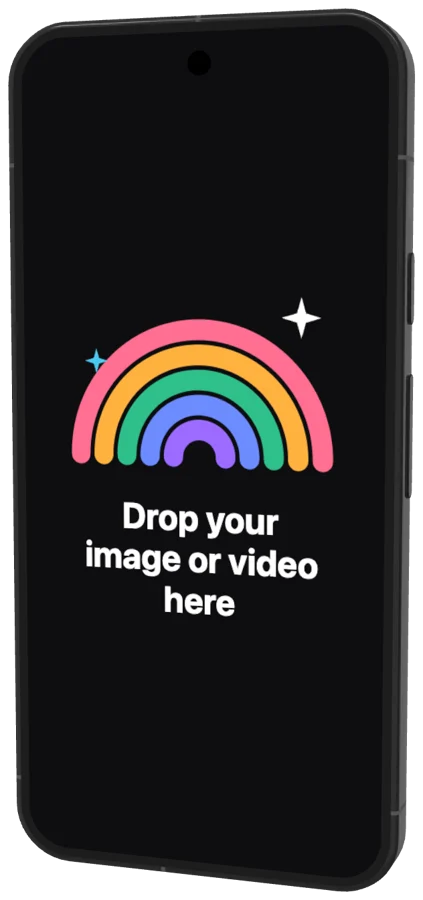 Google Pixel 9a2025
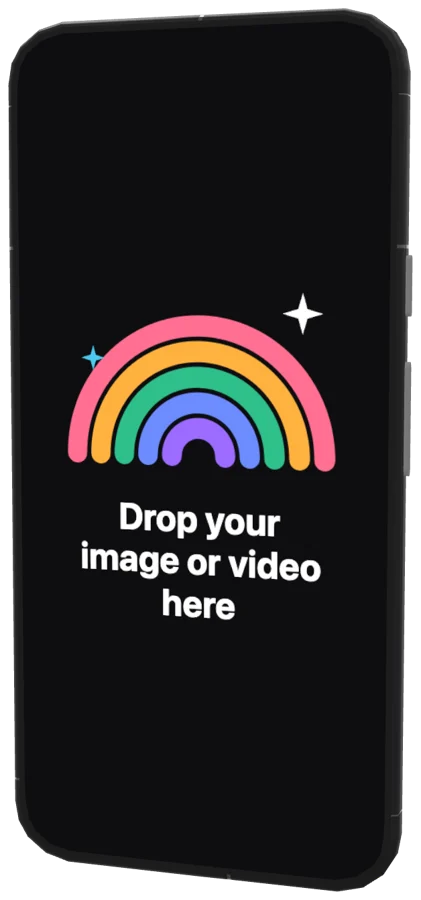 Google Pixel 92024
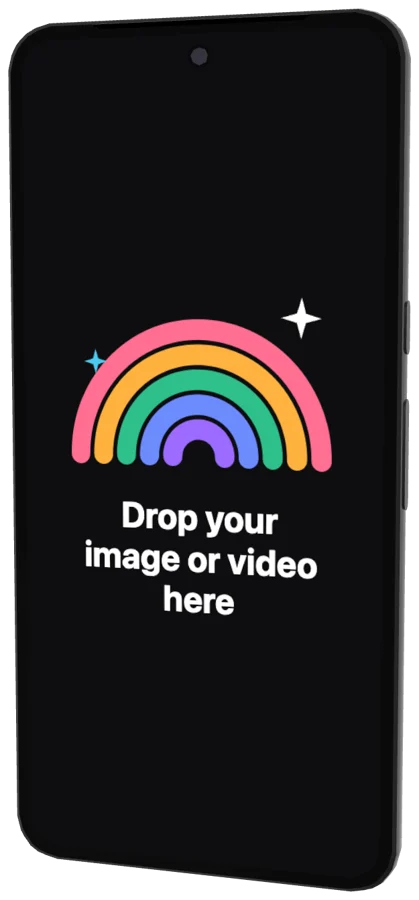 Google Pixel 8 Pro2023
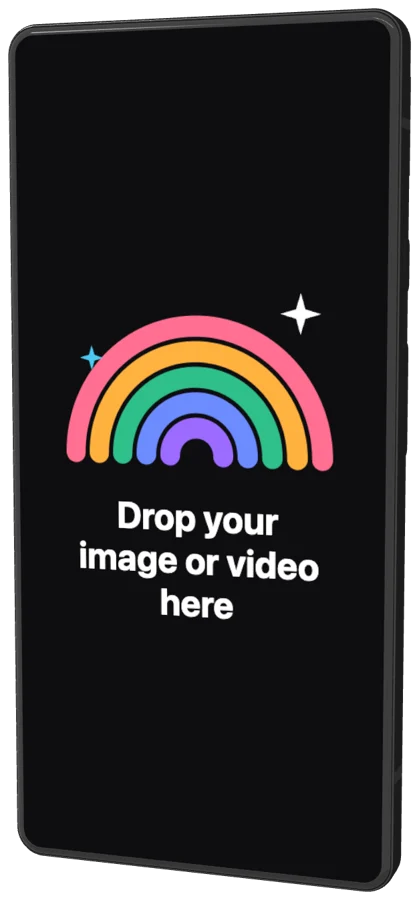 Google Pixel 6a2022
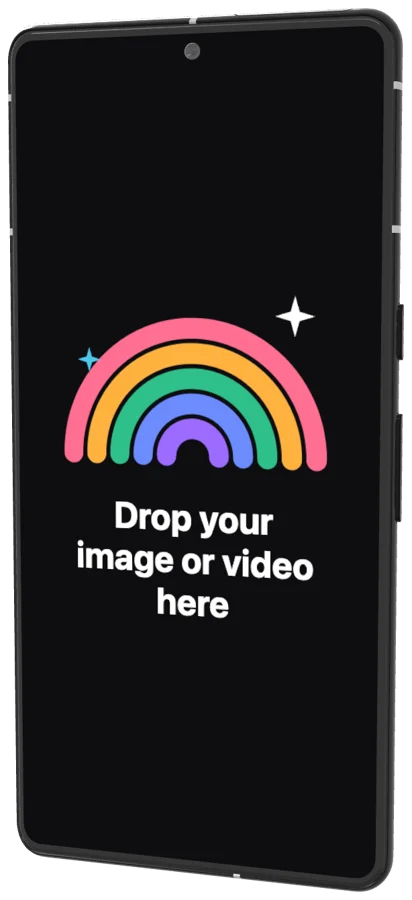 Google Pixel 7 Pro2022
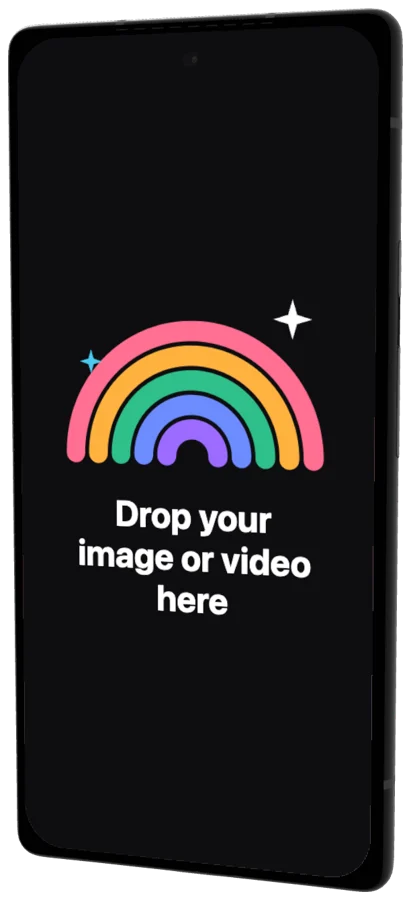 Google Pixel 62021
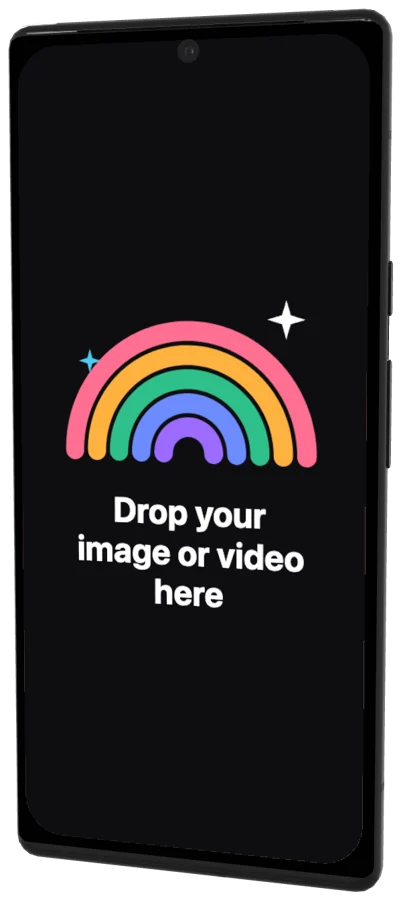 Google Pixel 6 Pro2021
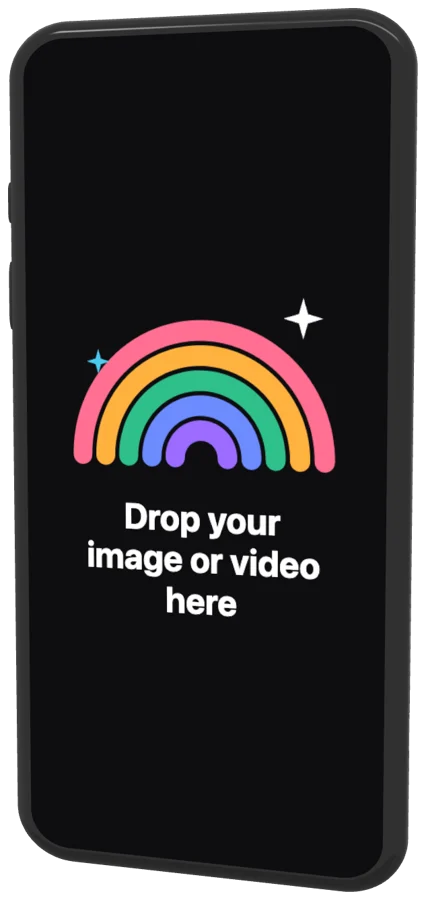 Google Pixel 4a2020
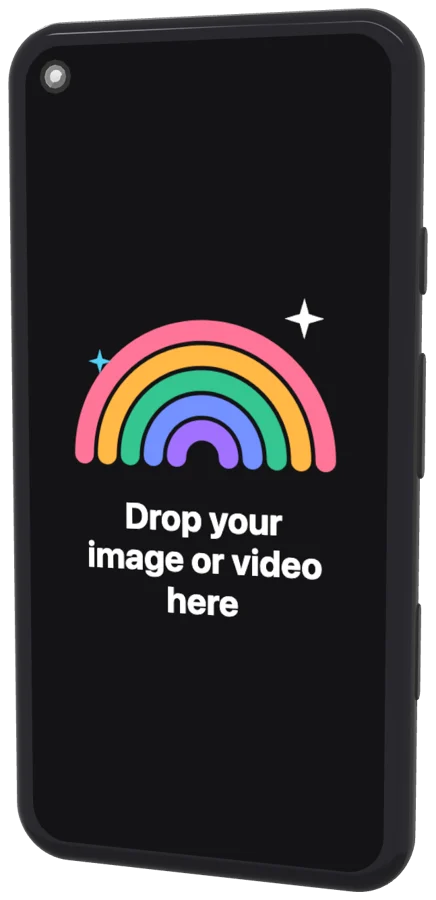 Google Pixel 52020
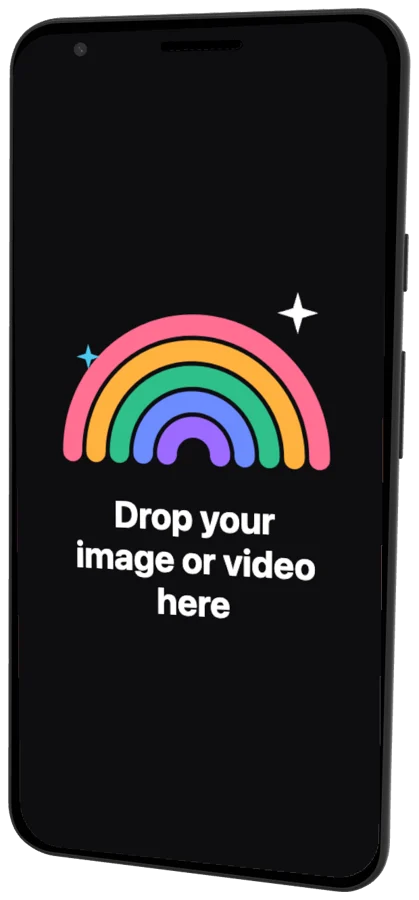 Google Pixel 32018
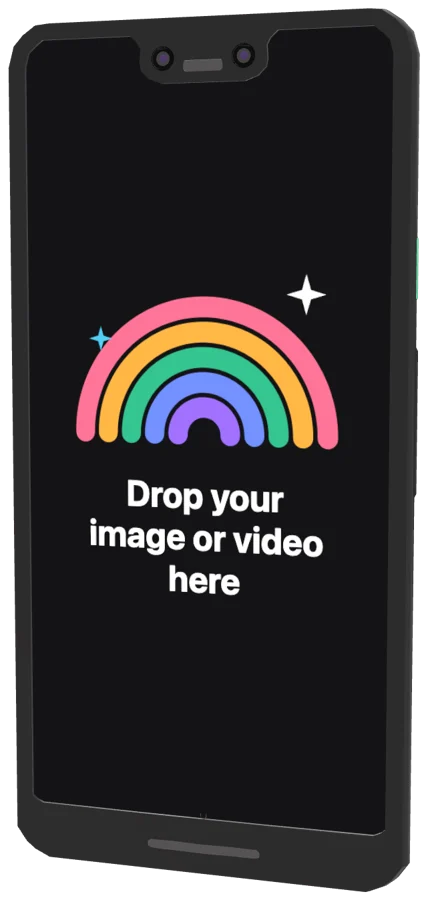 Google Pixel 3 XL2018
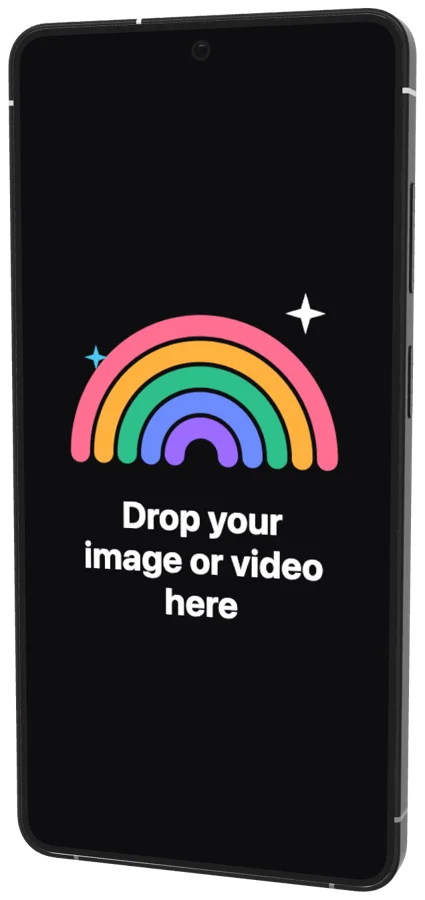 Galaxy S26 Ultra2026
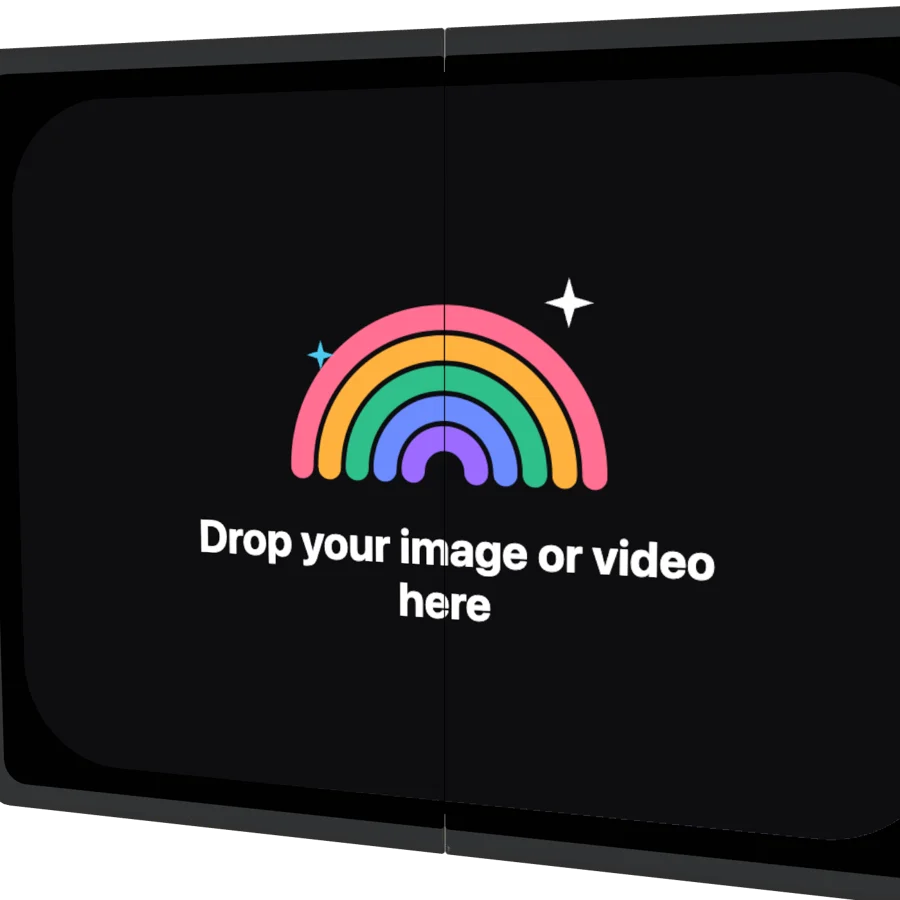 Galaxy Z Fold8 (incl. Fold8 Ultra)2026
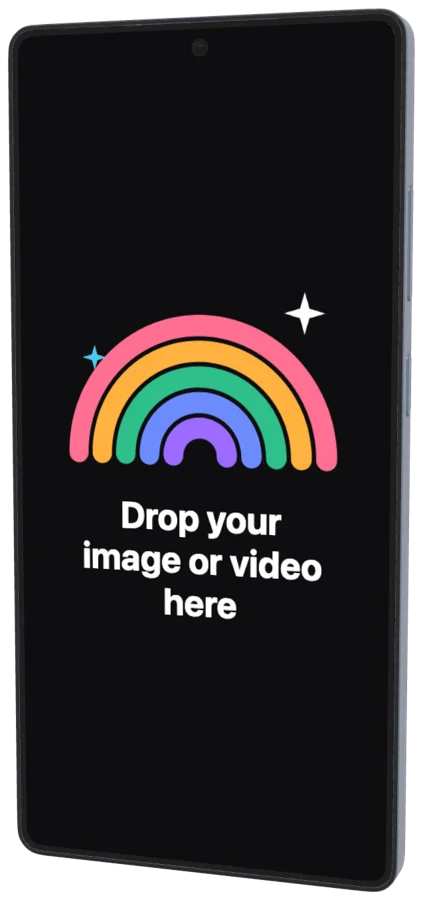 Galaxy S25 Ultra2025
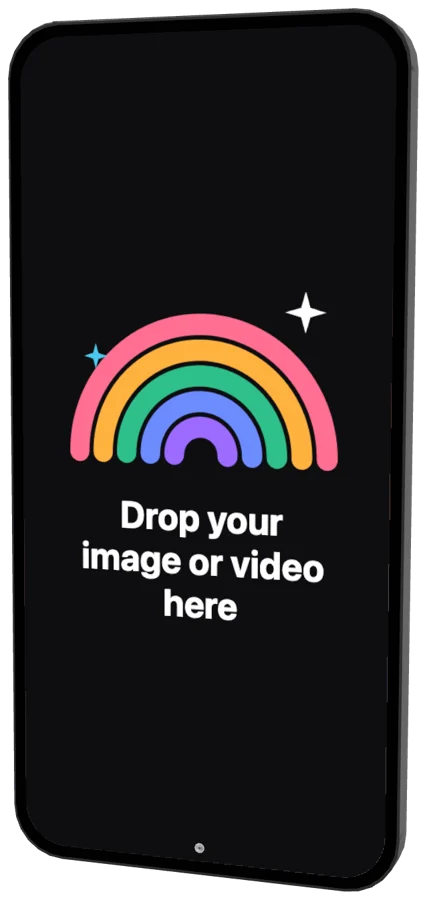 Galaxy S24+2024
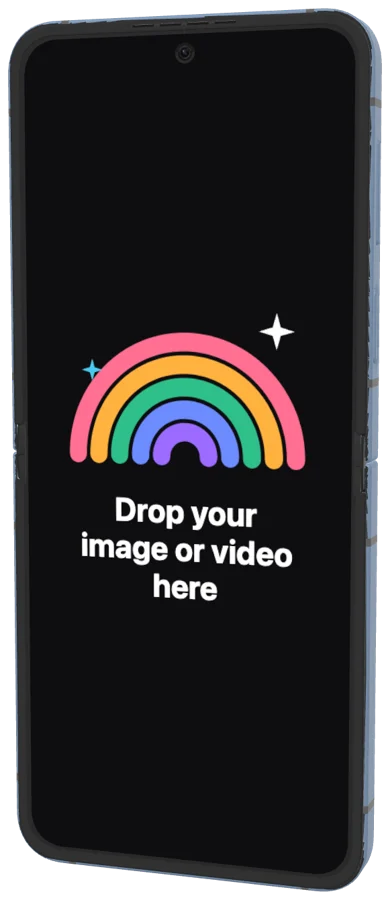 Galaxy Z Flip62024
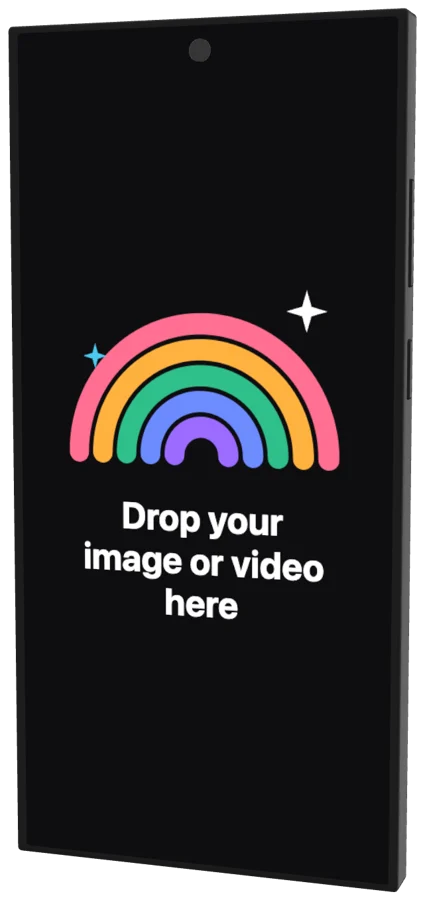 Galaxy S23 Ultra2023
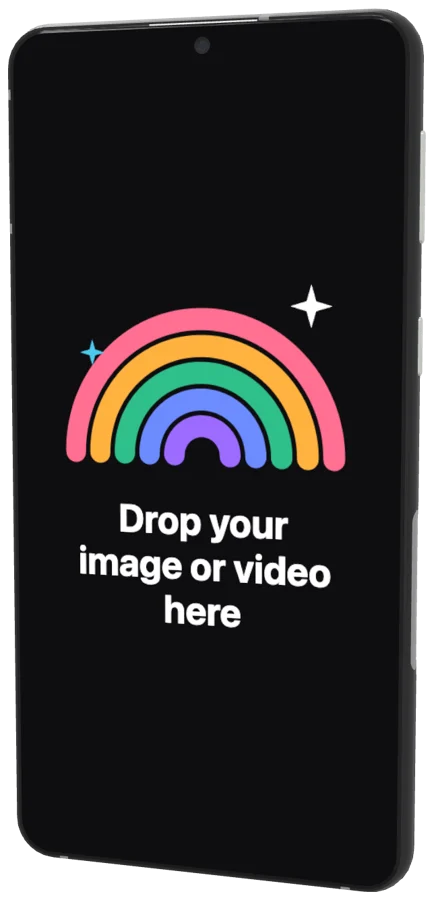 Galaxy S222022
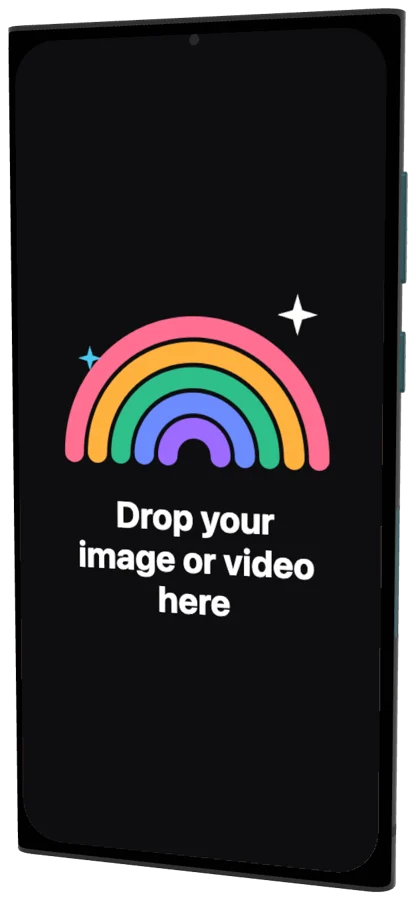 Galaxy S22 Ultra2022
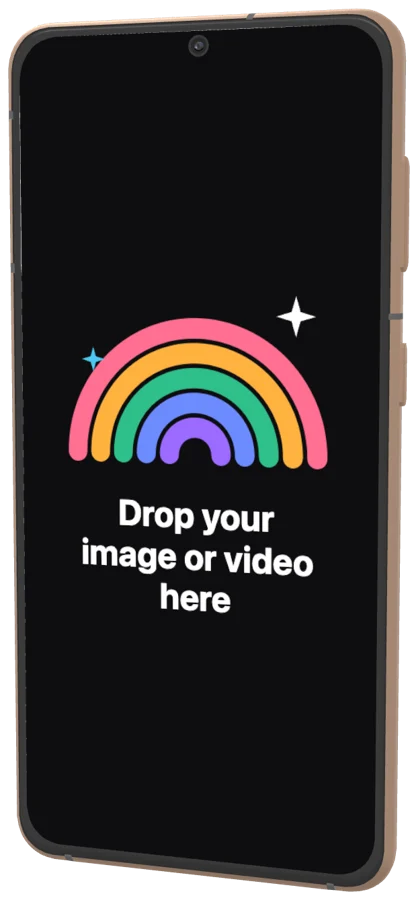 Galaxy S212021
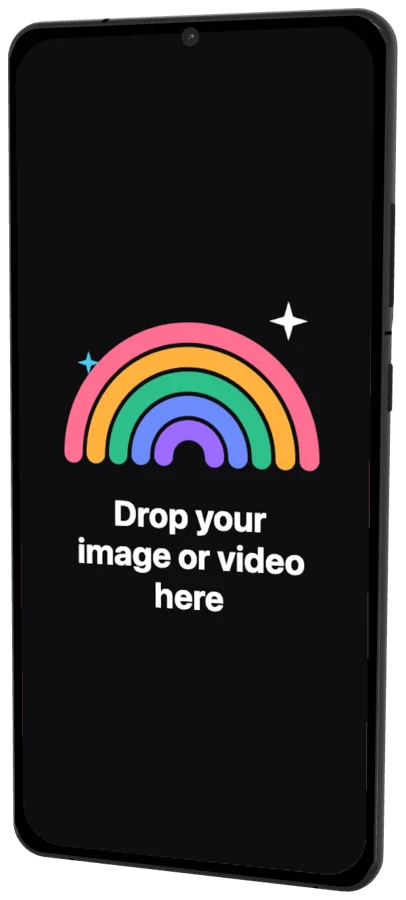 Galaxy S21 Ultra2021
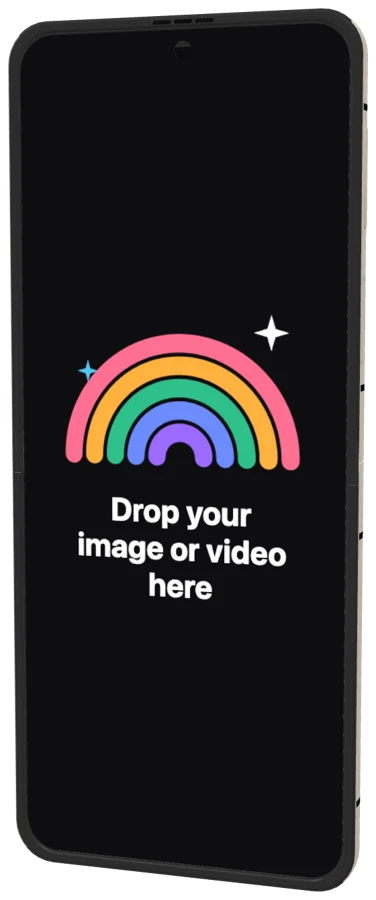 Galaxy Z Flip32021
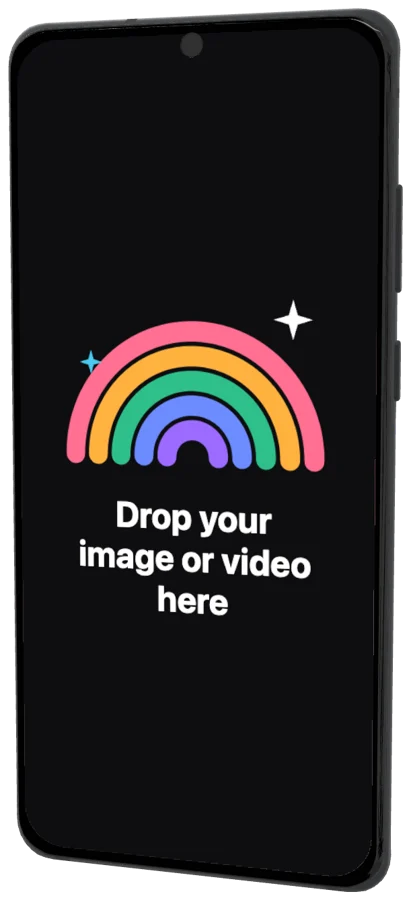 Galaxy S20 Ultra2020
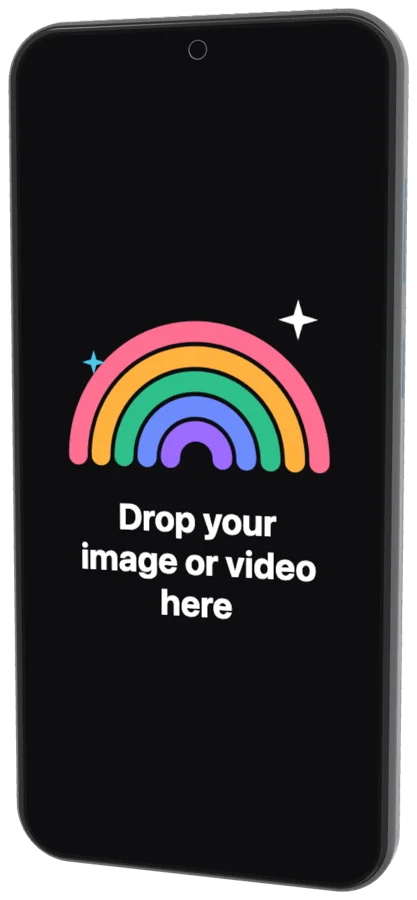 Galaxy S20+2020
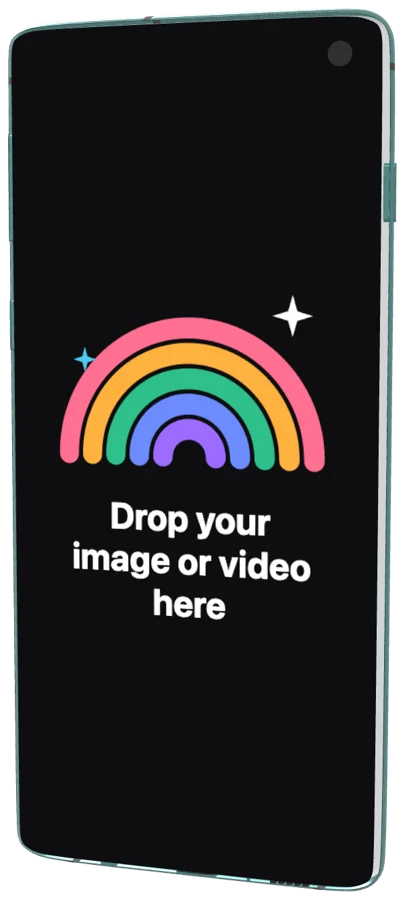 Galaxy S102019
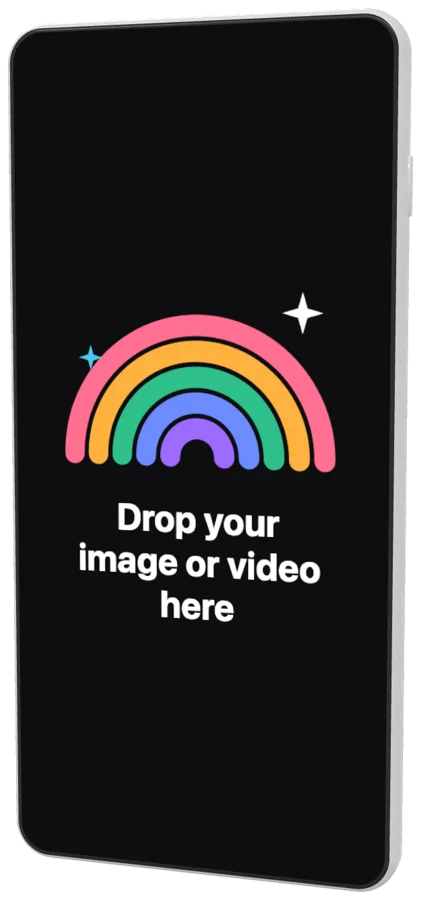 Galaxy S10+2019
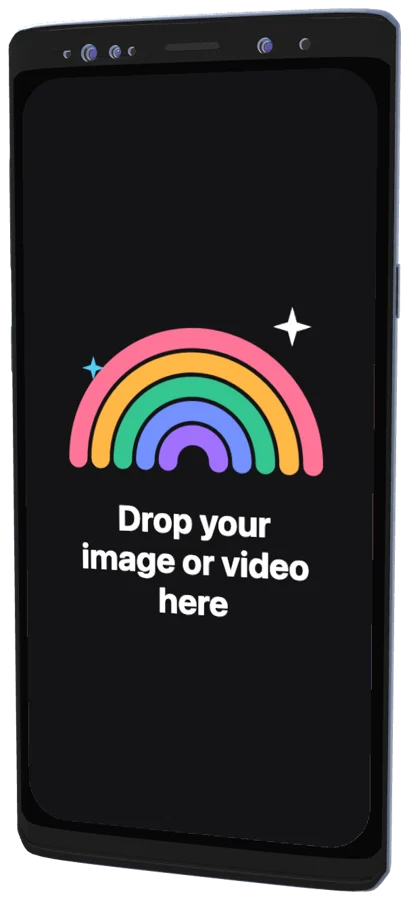 Galaxy Note 92018
 Galaxy S92018
Questions?

One screenshot.
That’s the whole brief.
Free for Mac. Apple silicon.
Web app and Figma plugin coming soon.