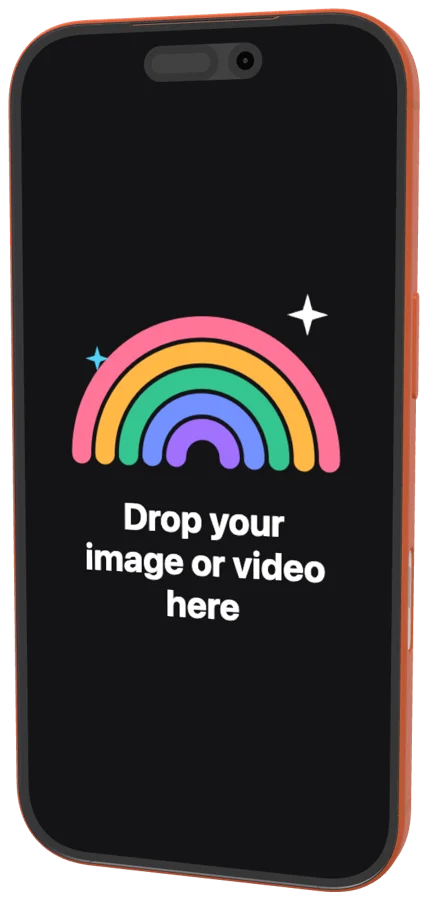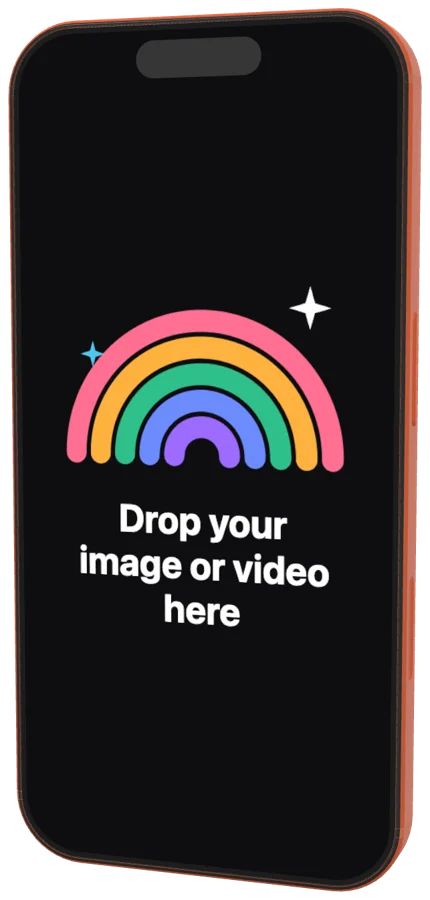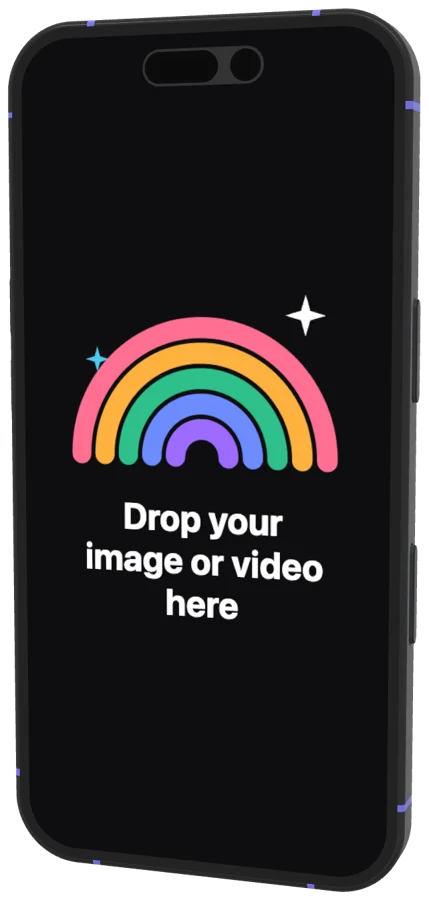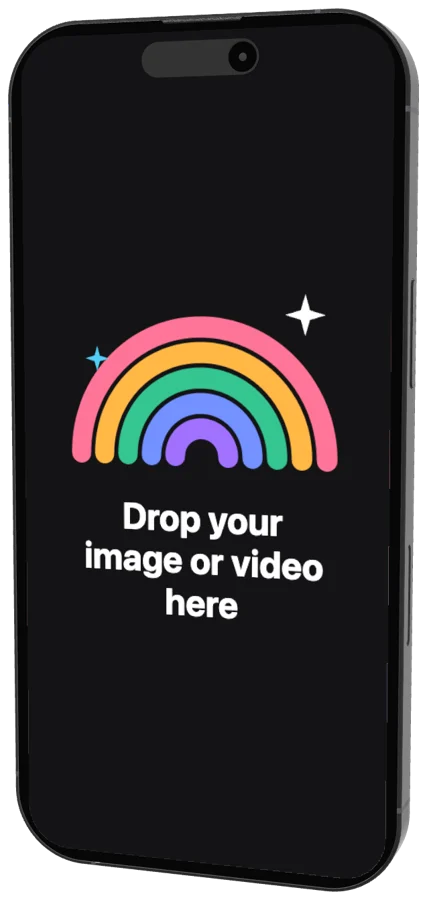
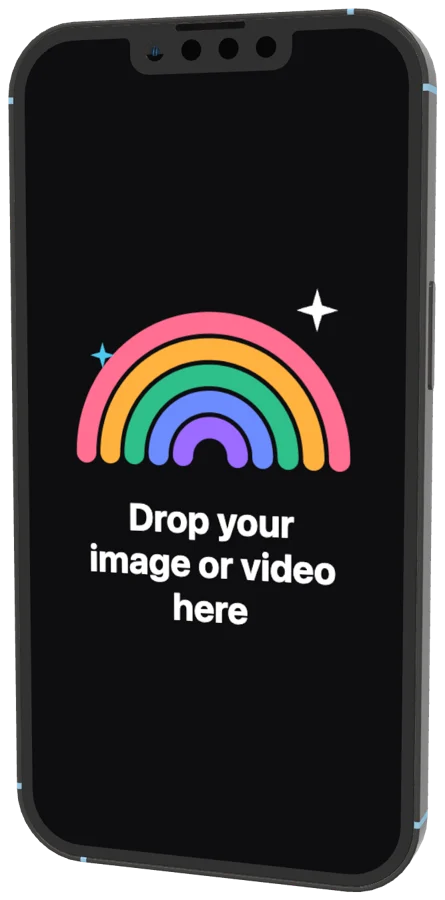
iPhone 13 Pro mockup

A 3D iPhone 13 Pro for your screenshots and screen recordings. Turn it to any angle, pick one of its 5 colours, animate it and export an image or a video.

iPhone 13 Pro mockup

iPhone 13 Pro screen size and resolution

The iPhone 13 Pro has a 6.1-inch display at 1170 × 2532 pixels, an aspect ratio of about 19.5:9. A full-resolution screenshot from it comes out at exactly that size, and that's the image you drop on the mockup's screen.

Which App Store screenshot size it fits

1170 × 2532 is one of the sizes App Store Connect accepts for medium iPhones, so screenshots from the iPhone 13 Pro can be uploaded as they are. If you place them in a mockup, set the frame to 1170 × 2532 as well and the result stays within Apple's sizes.

For a new app, Apple requires the medium Dynamic Island size (such as 1206 × 2622) and a large iPhone set (1320 × 2868 or 1284 × 2778). One mockup scene exported at both sizes covers it.
How it works

  1. 1

    Drop your screenshot

    A screenshot, a screen recording or a whole set of them. They land on the device's screen.

  2. 2

    Pick a device or template

    Turn and light the 3D device yourself, or open an animated template and keep its motion.

  3. 3

    Export

    PNG, JPG, MP4 or transparent WebM. A batch downloads as one ZIP.

Your iPhone 13 Pro mockup

  • Any angle and light

    Rotate the iPhone 13 Pro, move the light and the shadow follows it.

  • Real colours

    Graphite, Gold, Silver, Sierra Blue, Alpine Green (added March 2022).

  • Video

    Animate the iPhone 13 Pro with ready animations or your own keyframes.

  • Transparent export

    PNG and WebM without a background.

Questions?

One screenshot.
That’s the whole brief.

Free for Mac. Apple silicon.

Web app and Figma plugin coming soon.