
Android-Mockup-Video
Animierte Android-Mockups aus deinen Screenshots oder Bildschirmaufnahmen: Generic full-screen Android phone (punch-hole, default), Generic flip foldable (clamshell), Generic concept / camera-forward Android phone und mehr, in Bewegung und mit Studiolicht.
So funktioniert's
- 1
Screenshot reinziehen
Ein Screenshot, eine Bildschirmaufnahme oder gleich ein ganzer Satz. Alles landet auf dem Bildschirm des Geräts.
- 2
Gerät oder Vorlage wählen
Dreh und beleuchte das 3D-Gerät selbst oder öffne eine animierte Vorlage und übernimm ihre Bewegung.
- 3
Exportieren
PNG, JPG, MP4 oder transparentes WebM. Ein Stapel kommt als eine ZIP-Datei.
So entsteht dein Android-Mockup-Video
Vorlagen
Öffne eine passende Vorlage, und dein Bildschirm bewegt sich schon.
Deine Aufnahme im Bildschirm
Zieh eine Bildschirmaufnahme rein; sie läuft im Gerät.
Animationen aneinanderreihen
Jede Animation beginnt, wo die vorige endet; die Länge änderst du per Ziehen.
Jedes Format
16:9, 9:16 und quadratisch, als MP4 oder transparentes WebM.
Android-Mockup-Video
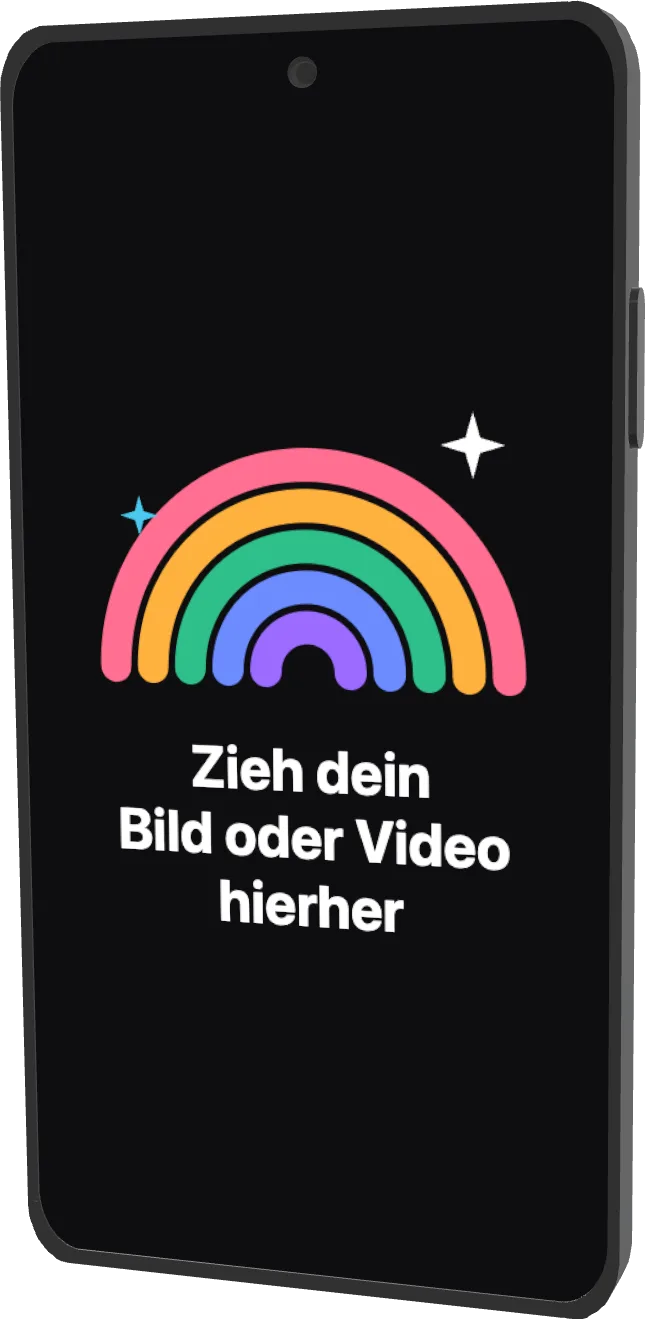 Generic full-screen Android phone (punch-hole, default)2024
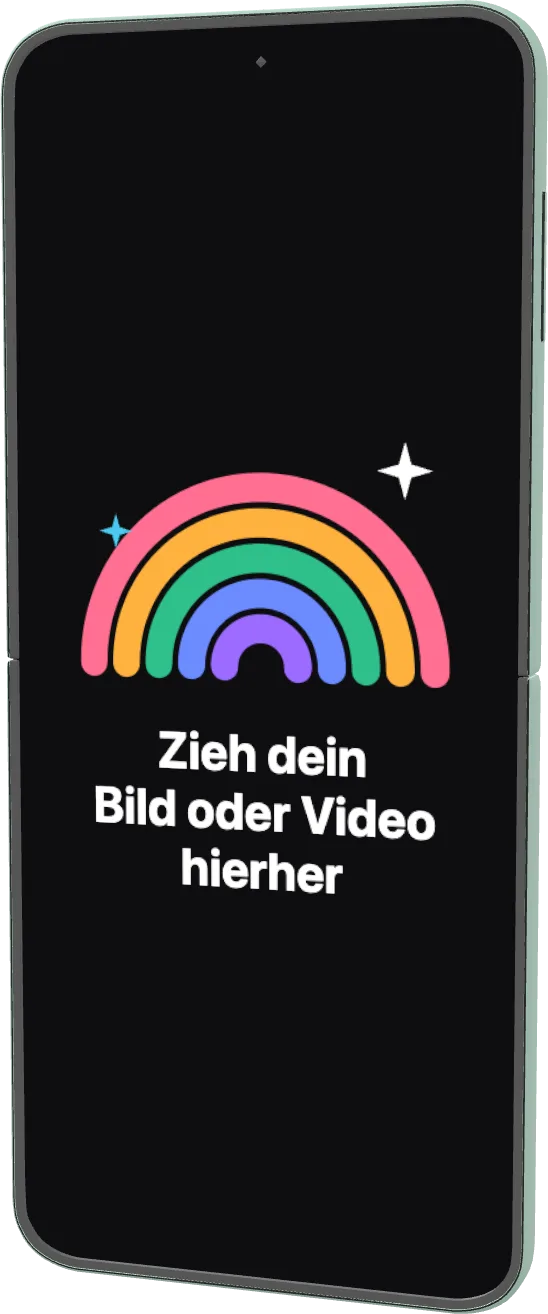 Generic flip foldable (clamshell)2023
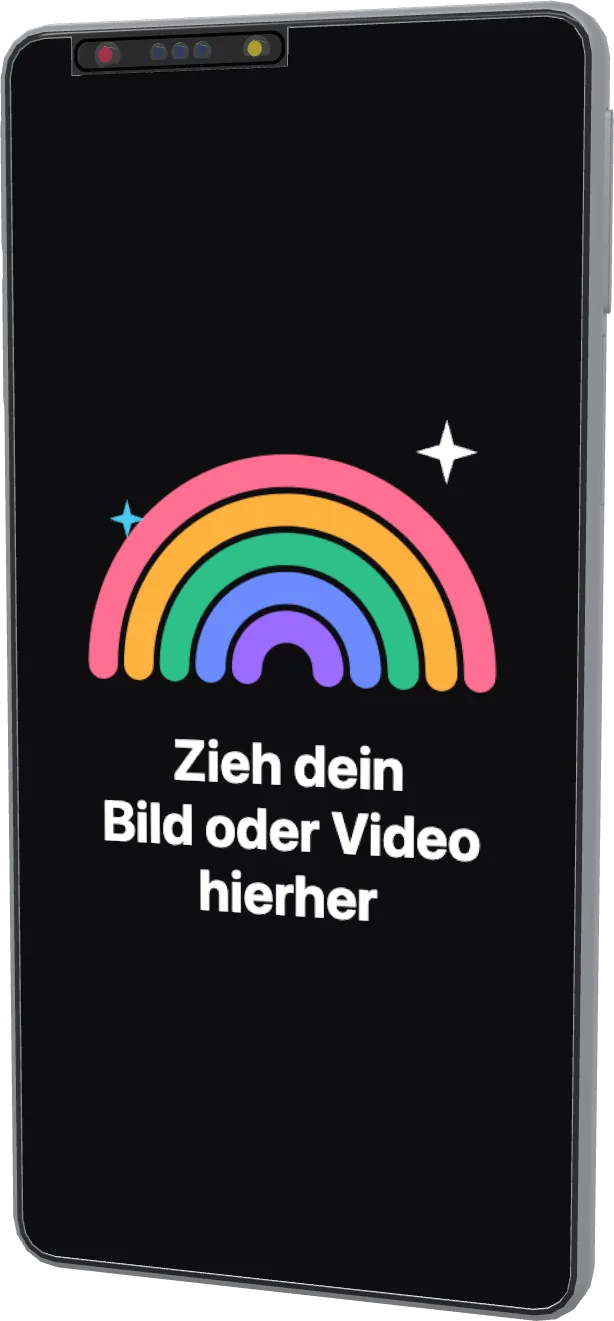 Generic concept / camera-forward Android phone2022
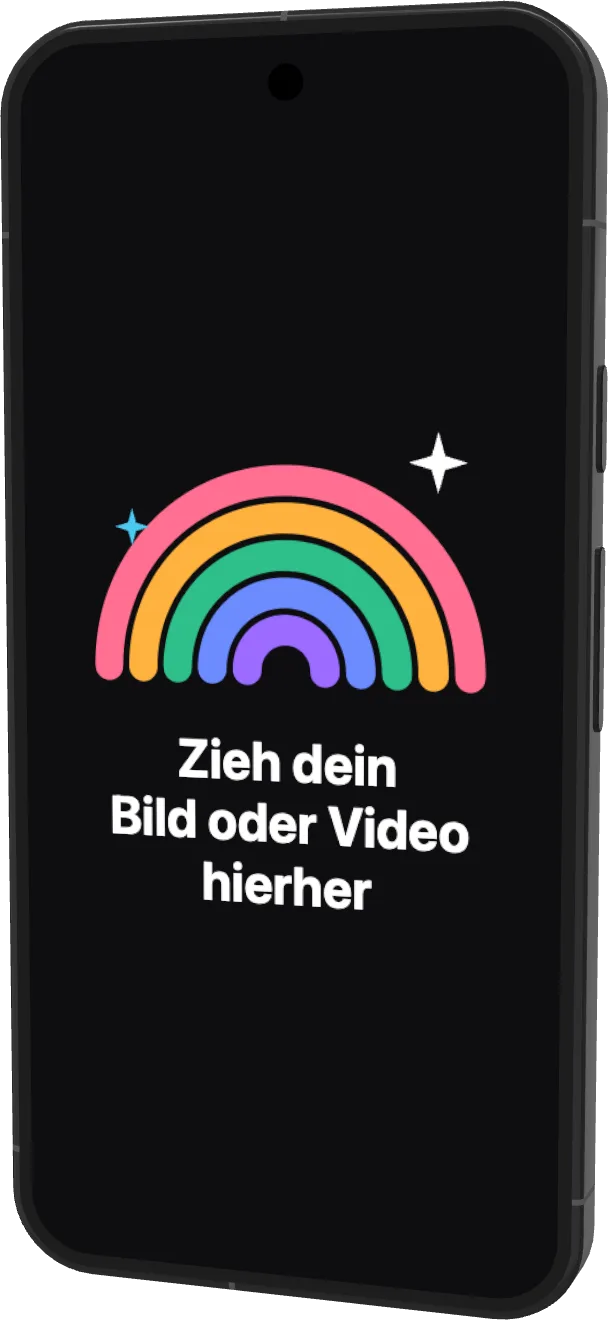 Google Pixel 9a2025
 Google Pixel 92024
 Google Pixel 8 Pro2023
 Google Pixel 6a2022
 Google Pixel 7 Pro2022
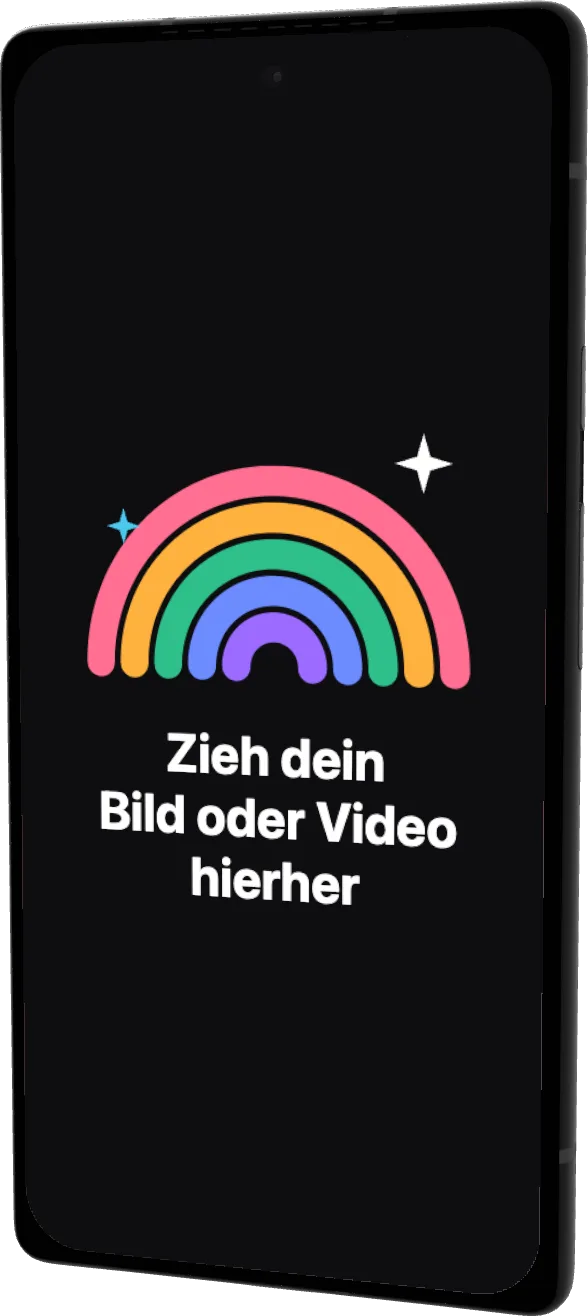 Google Pixel 62021
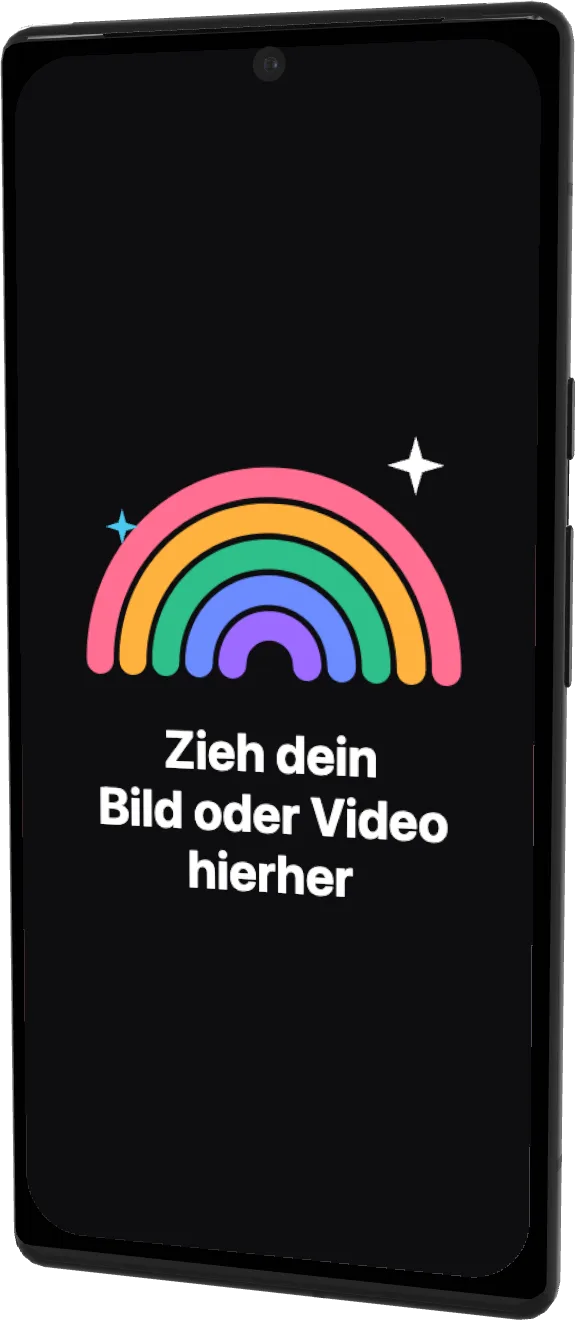 Google Pixel 6 Pro2021
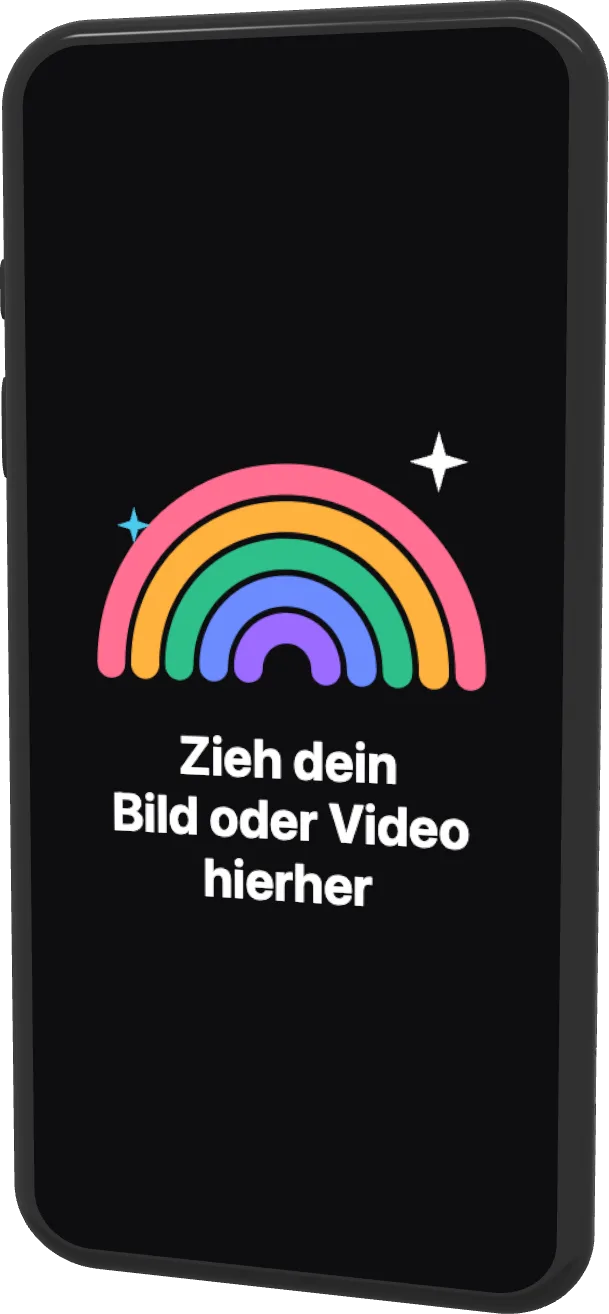 Google Pixel 4a2020
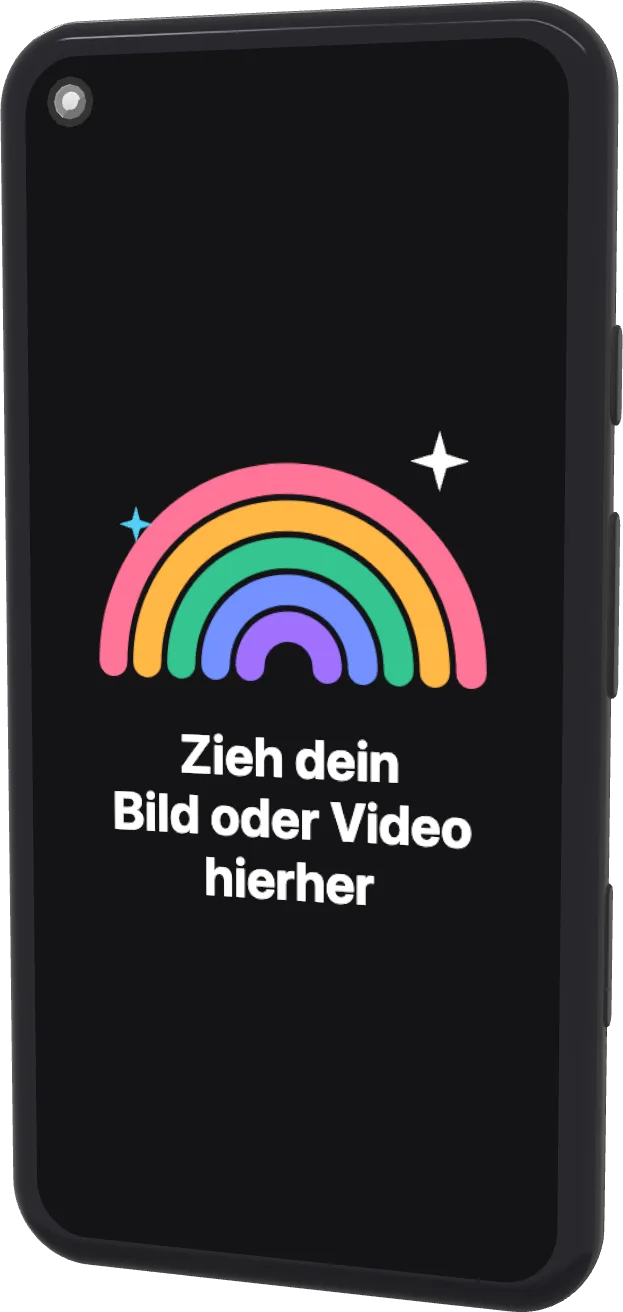 Google Pixel 52020
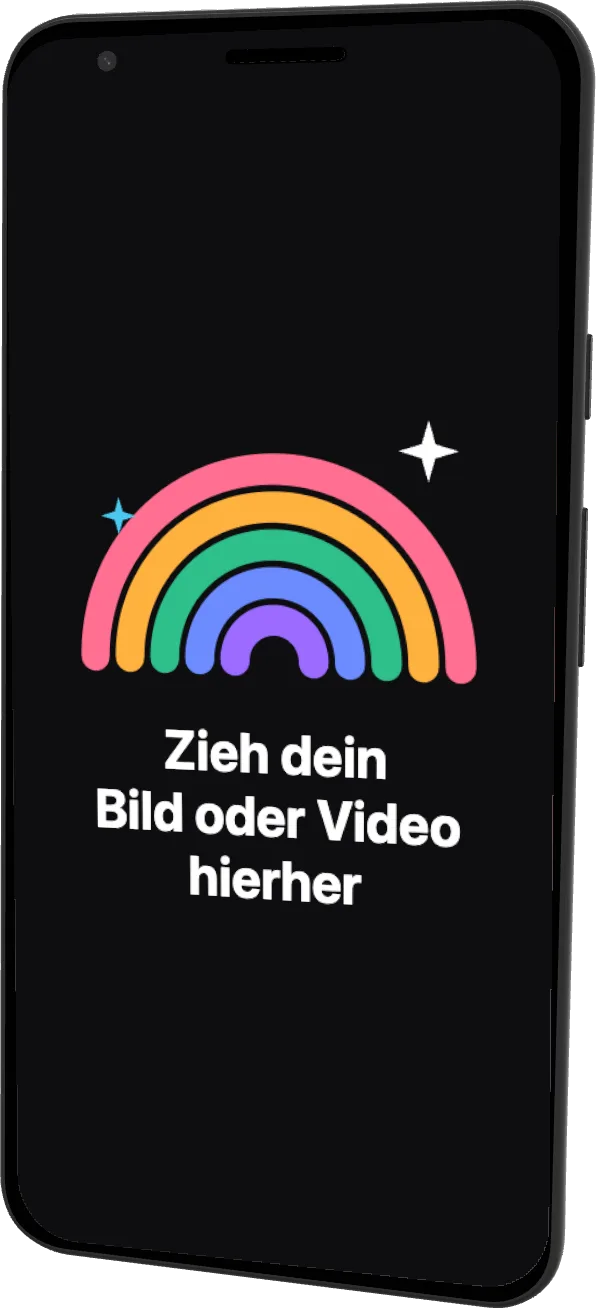 Google Pixel 32018
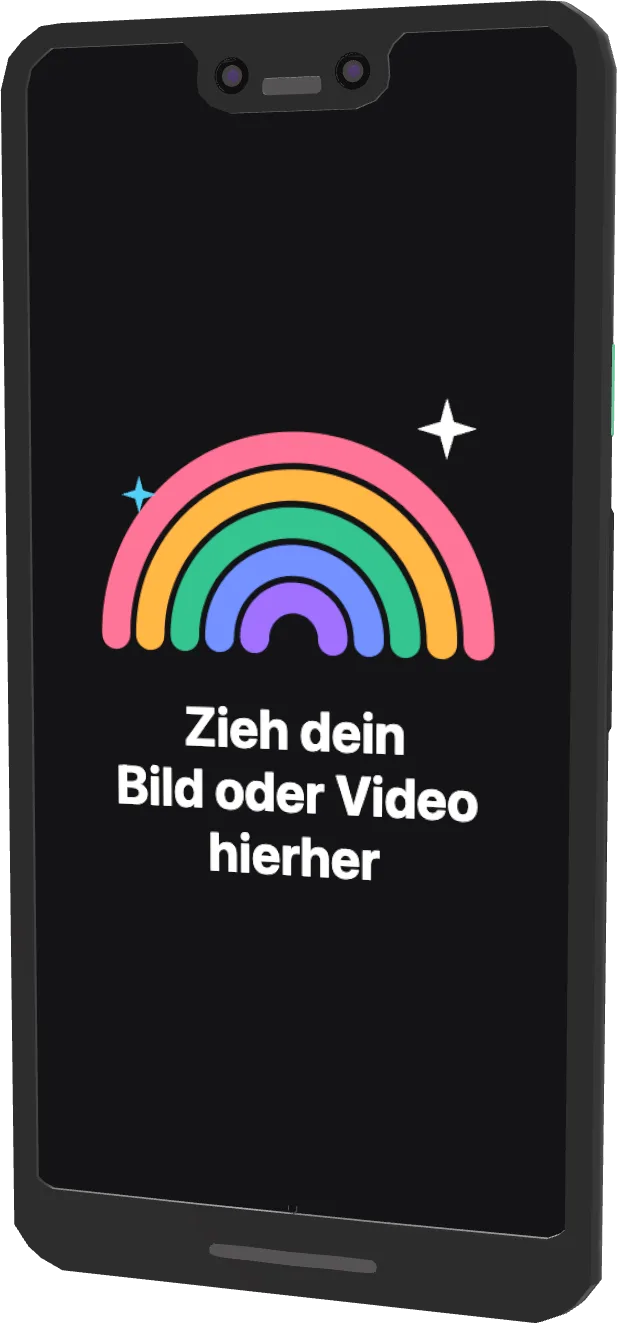 Google Pixel 3 XL2018
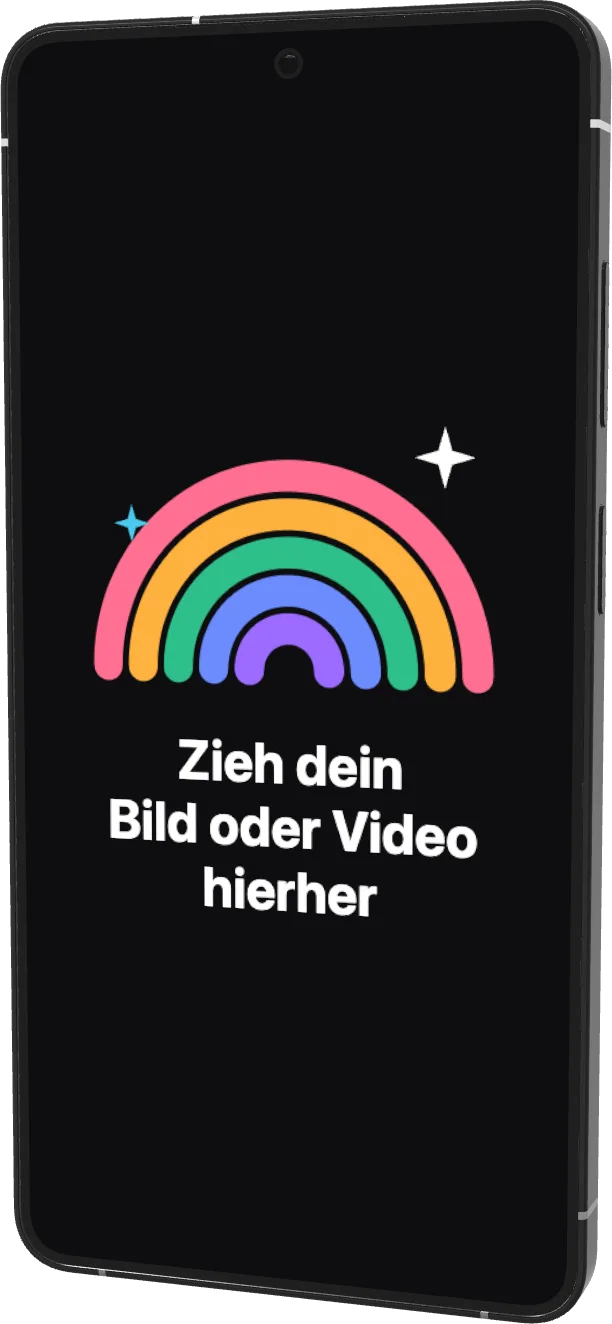 Galaxy S26 Ultra2026
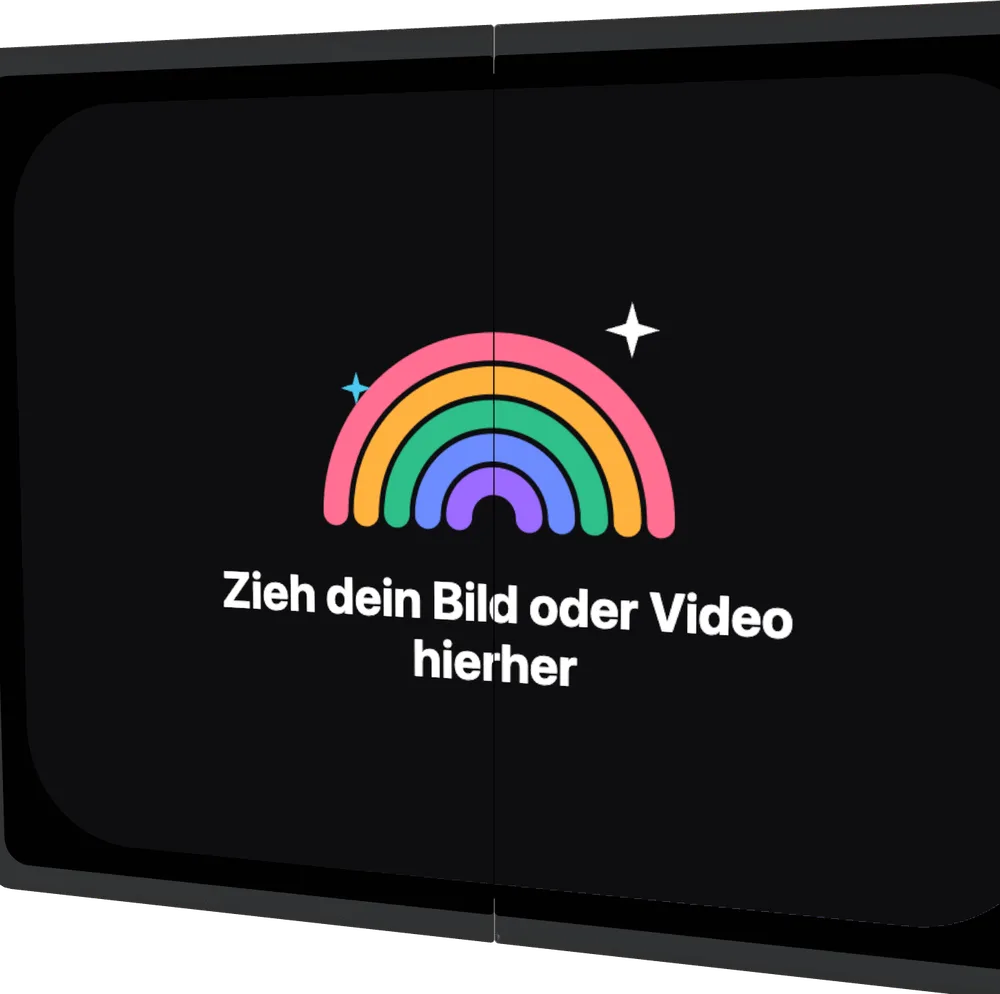 Galaxy Z Fold8 (incl. Fold8 Ultra)2026
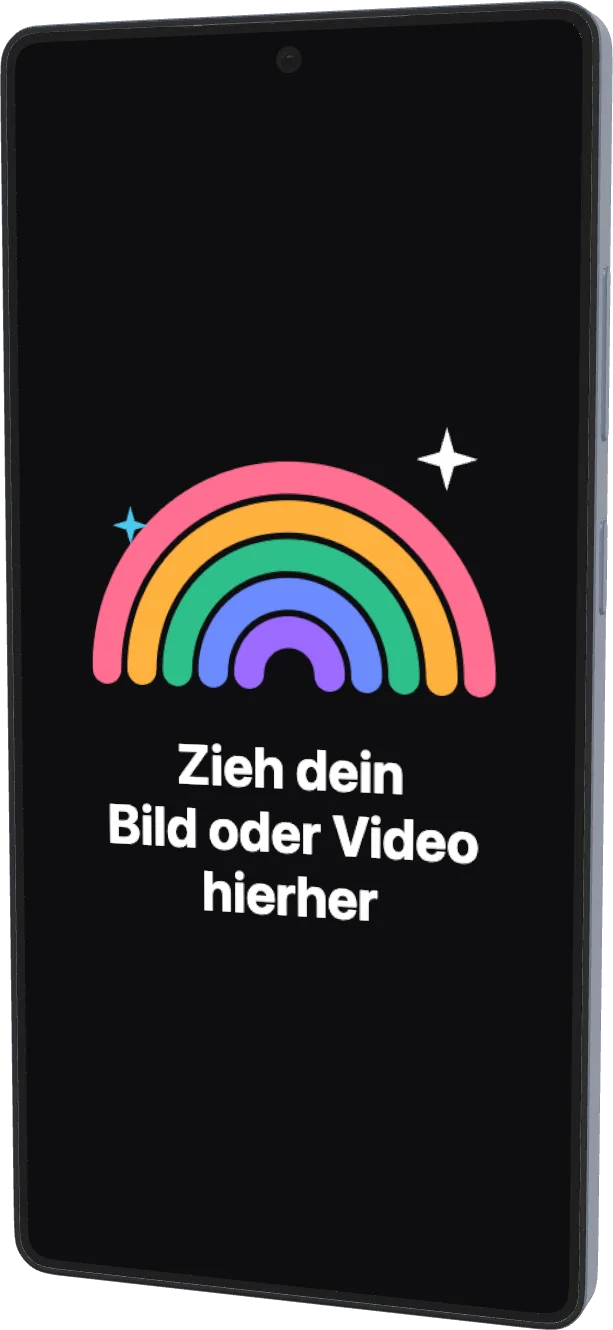 Galaxy S25 Ultra2025
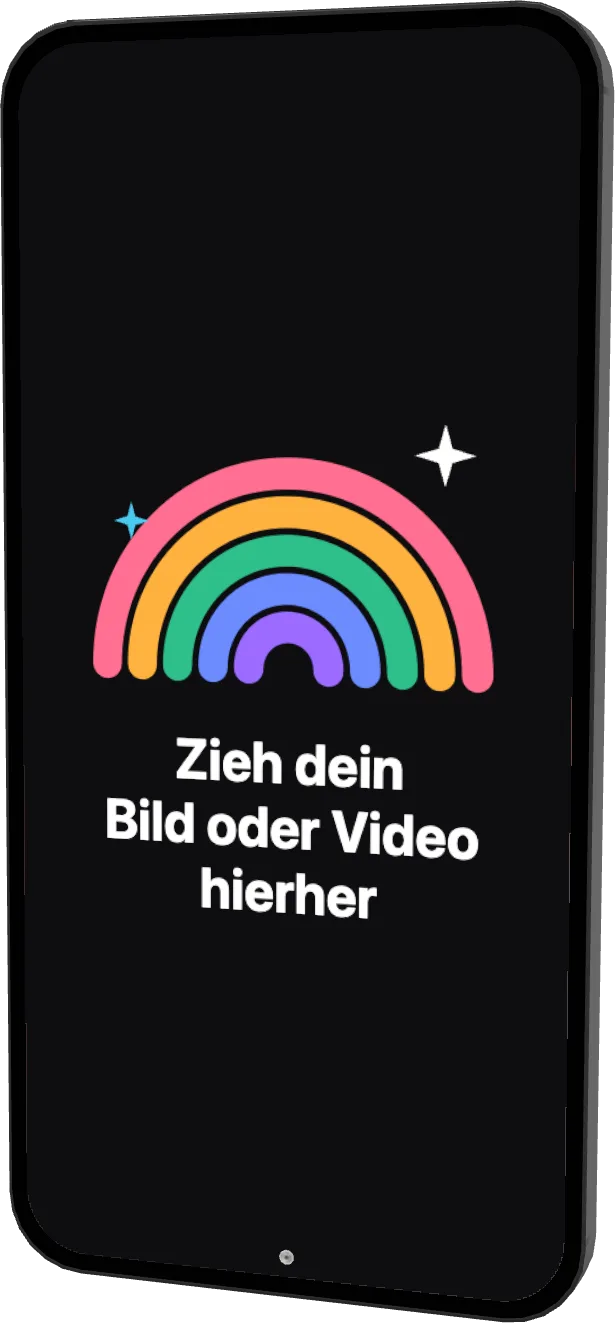 Galaxy S24+2024
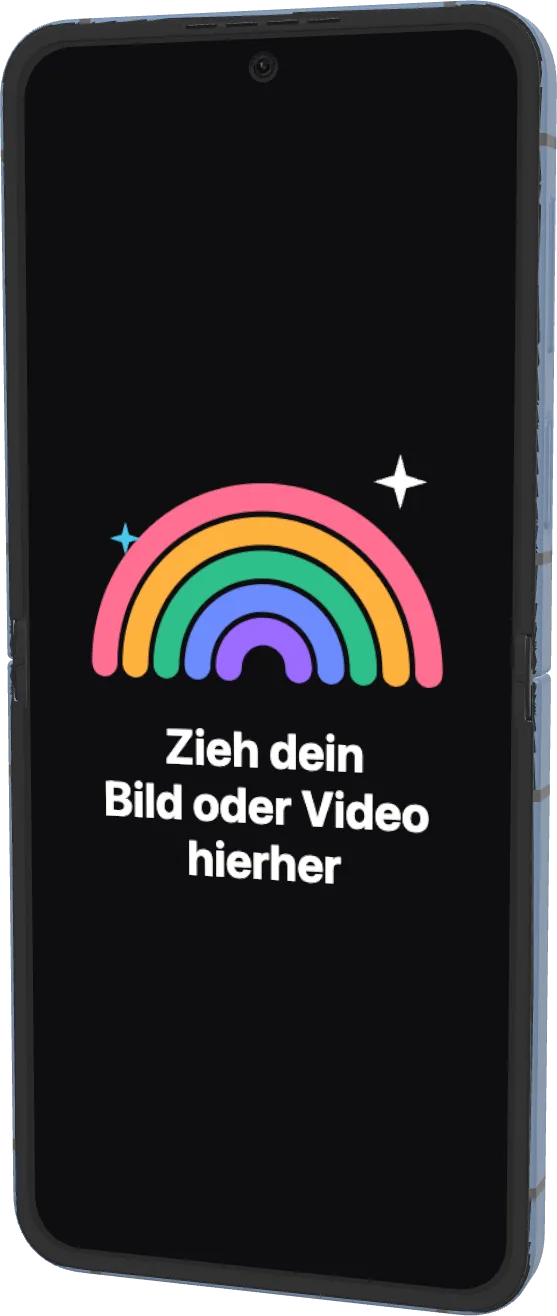 Galaxy Z Flip62024
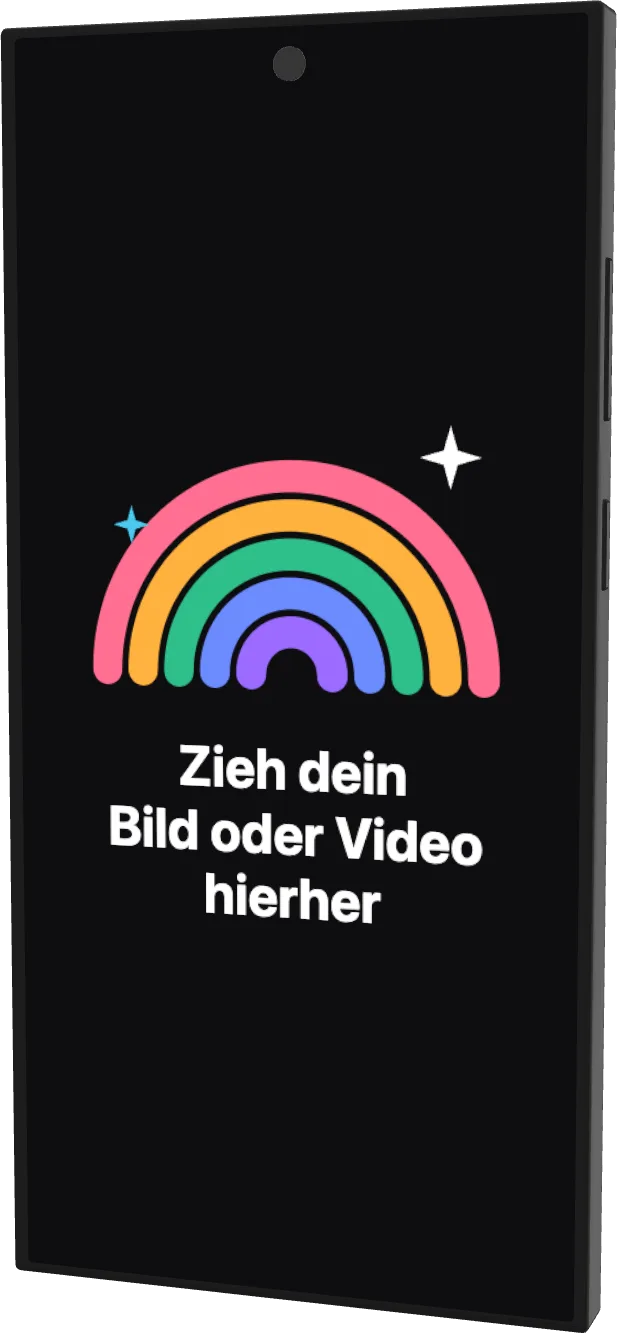 Galaxy S23 Ultra2023
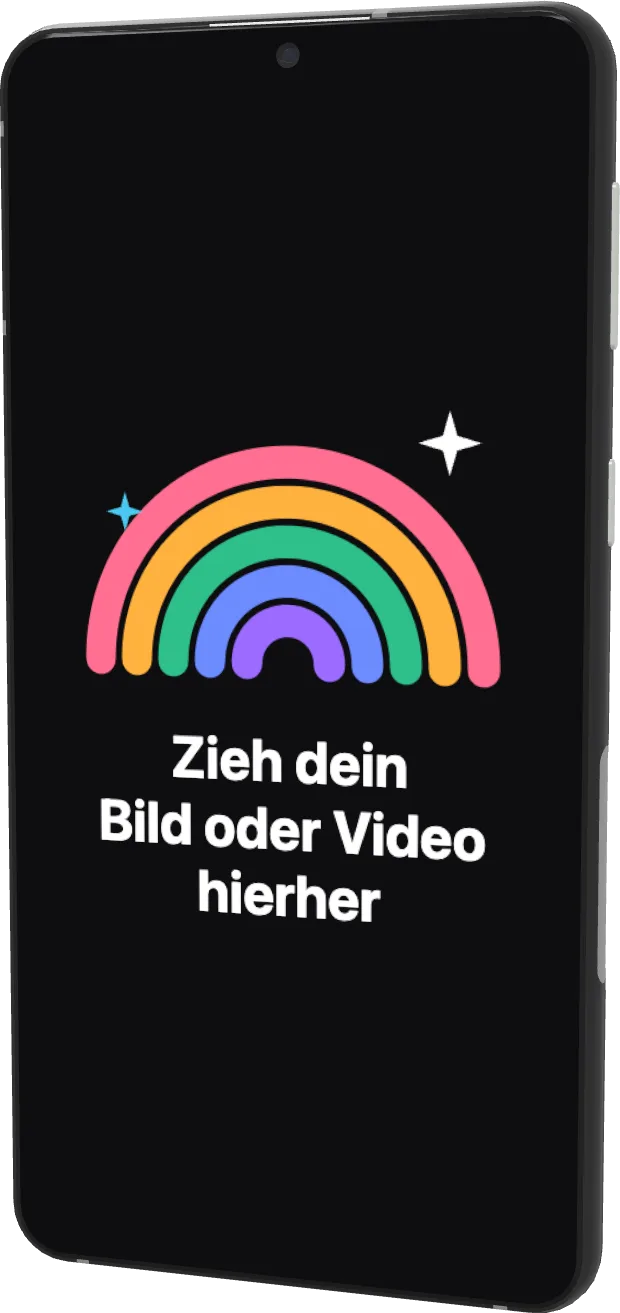 Galaxy S222022
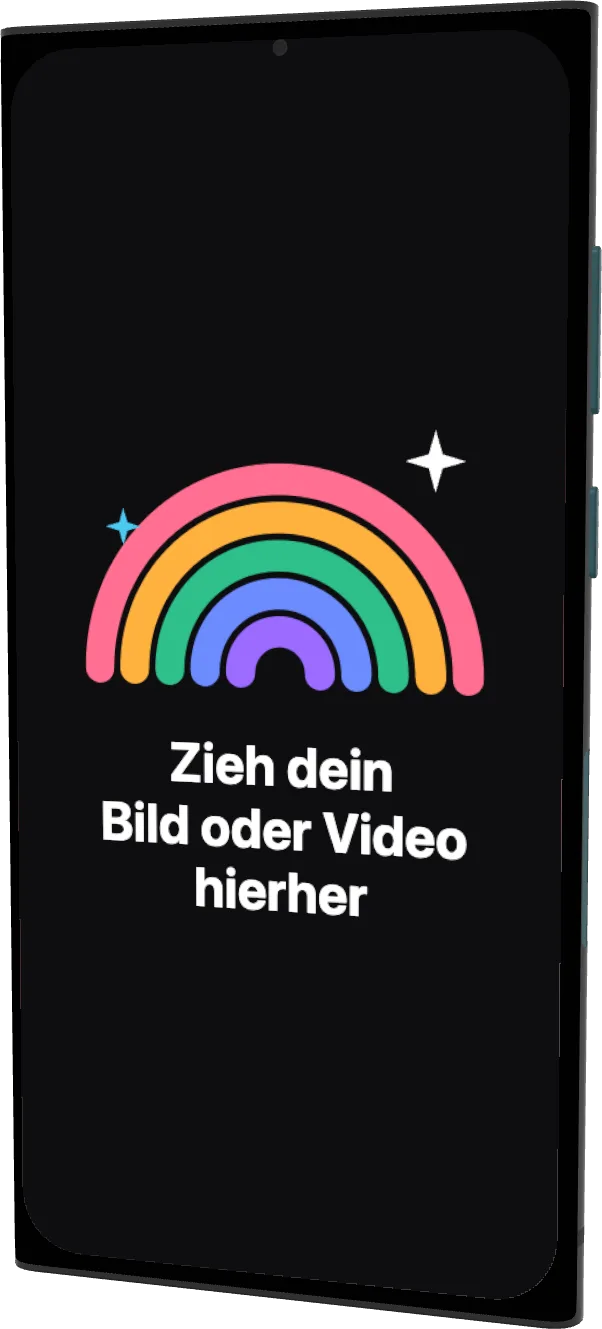 Galaxy S22 Ultra2022
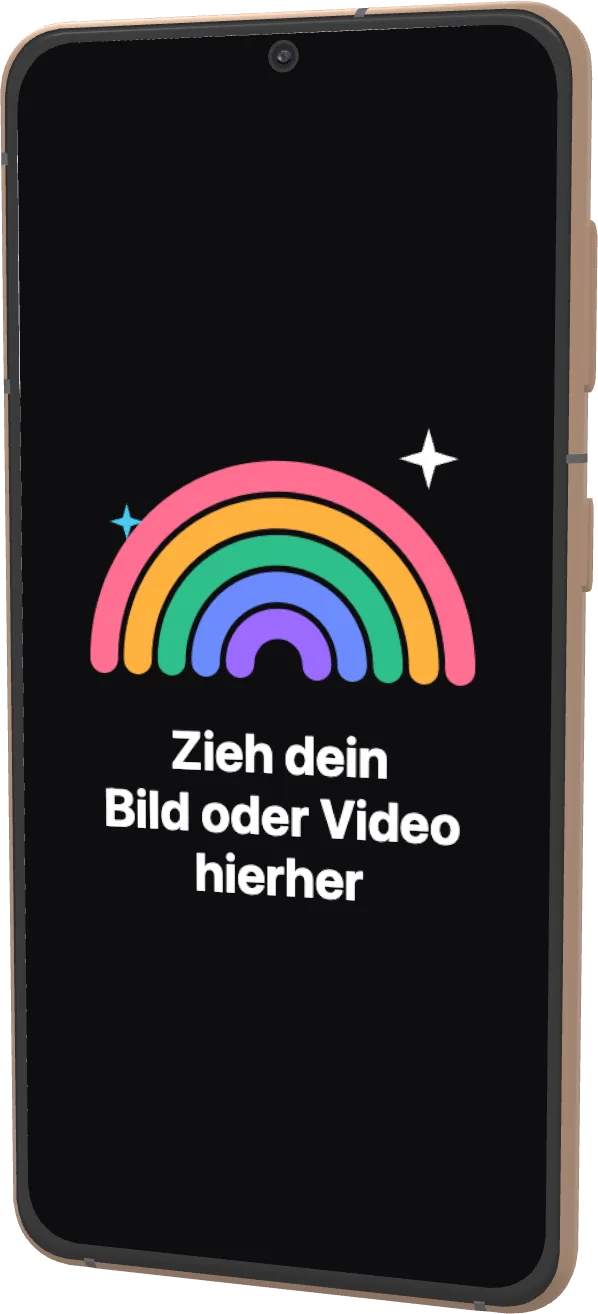 Galaxy S212021
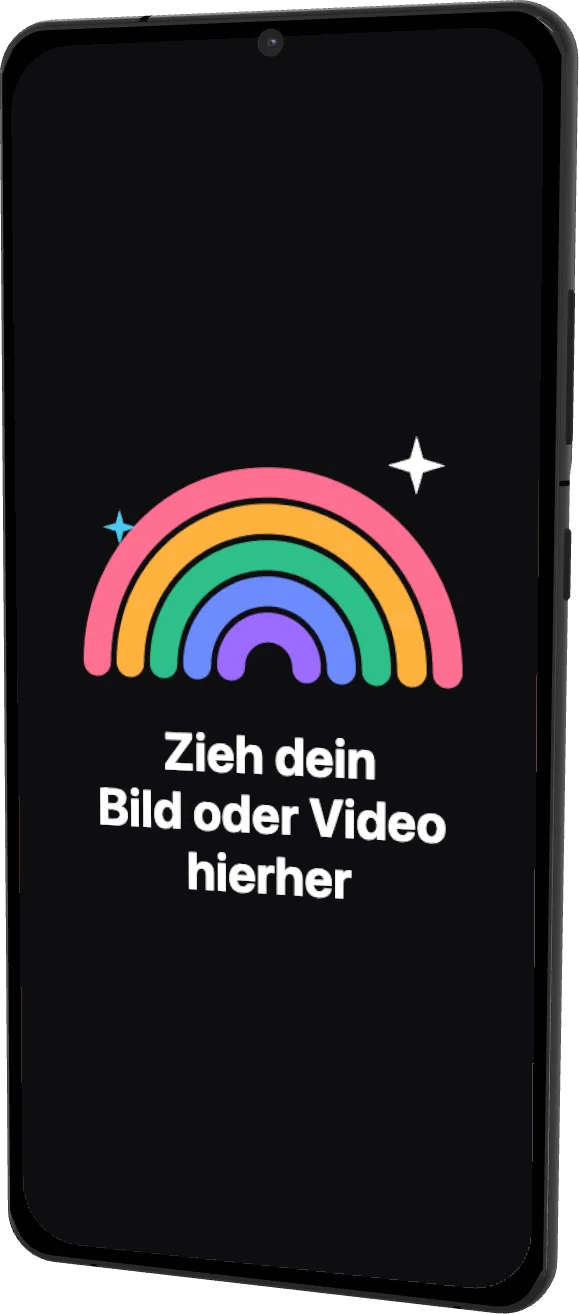 Galaxy S21 Ultra2021
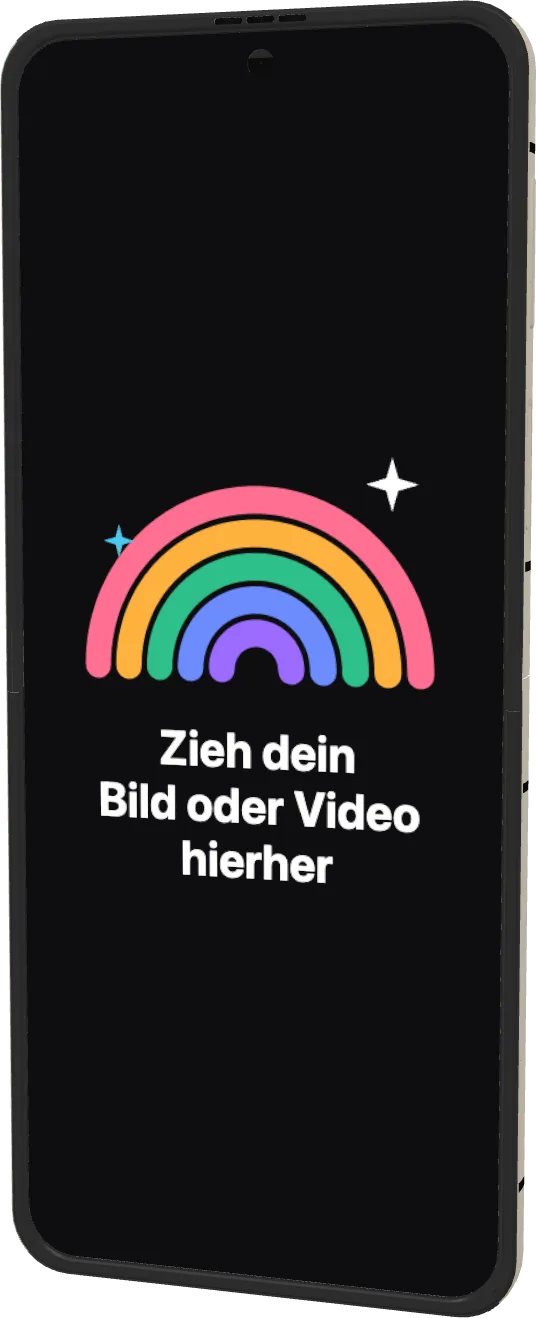 Galaxy Z Flip32021
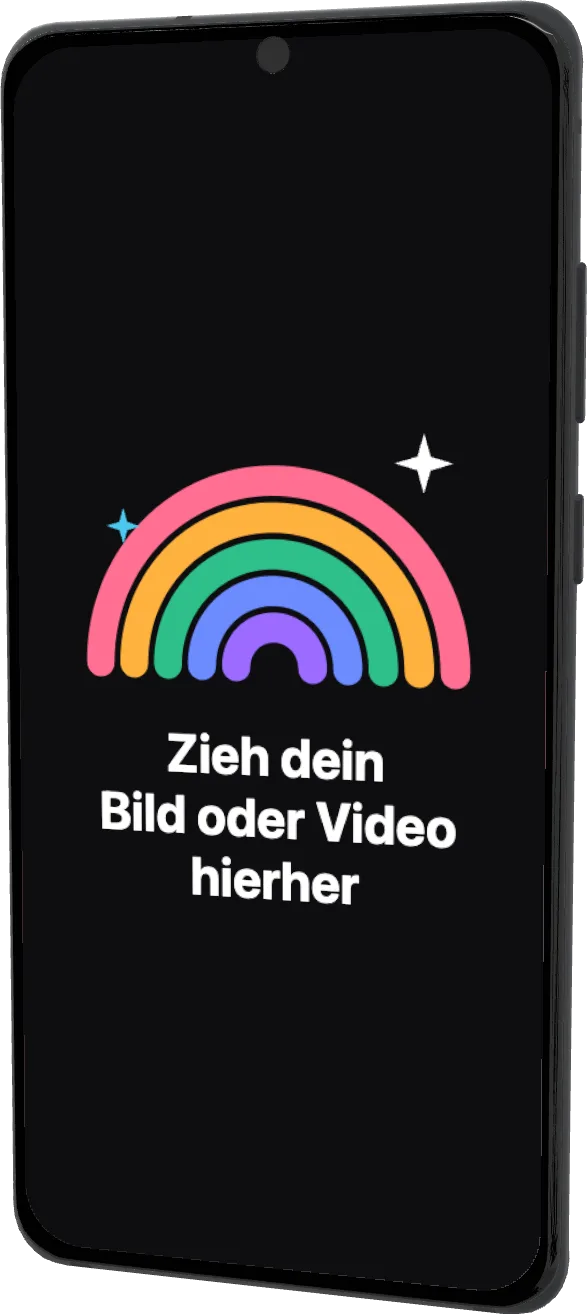 Galaxy S20 Ultra2020
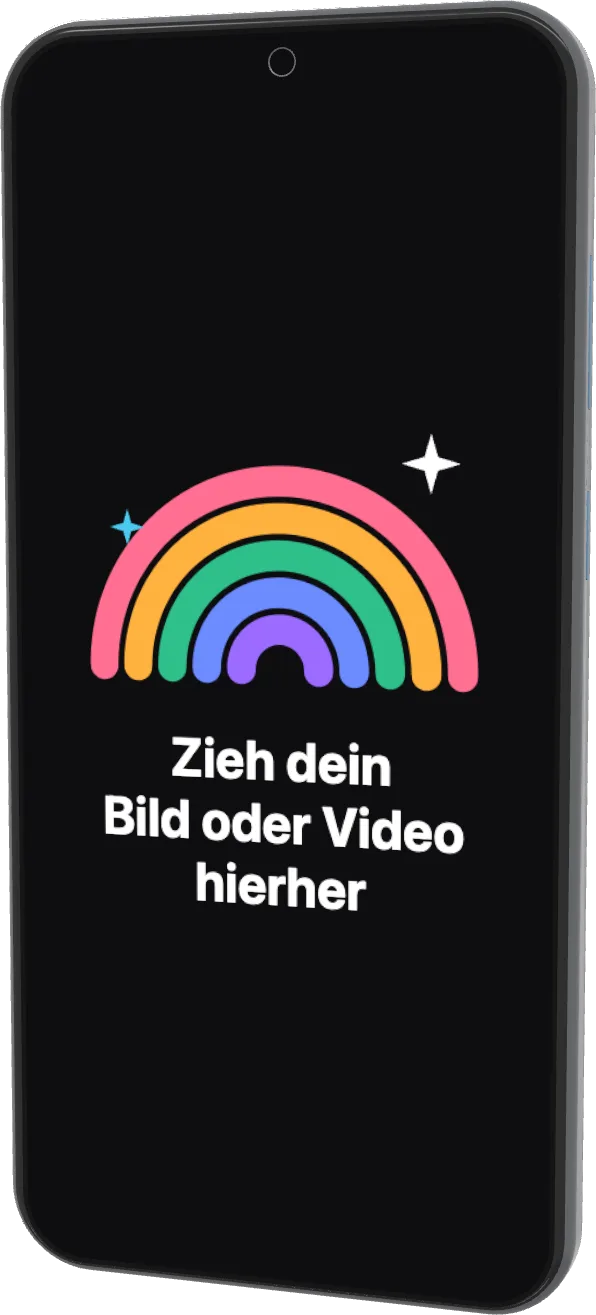 Galaxy S20+2020
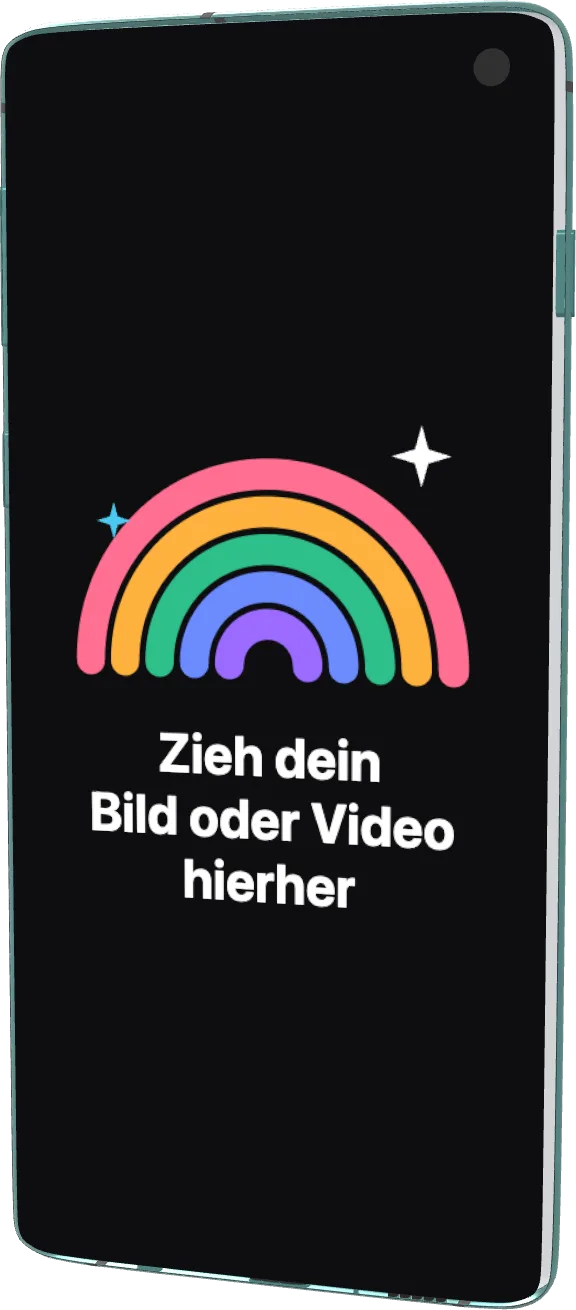 Galaxy S102019
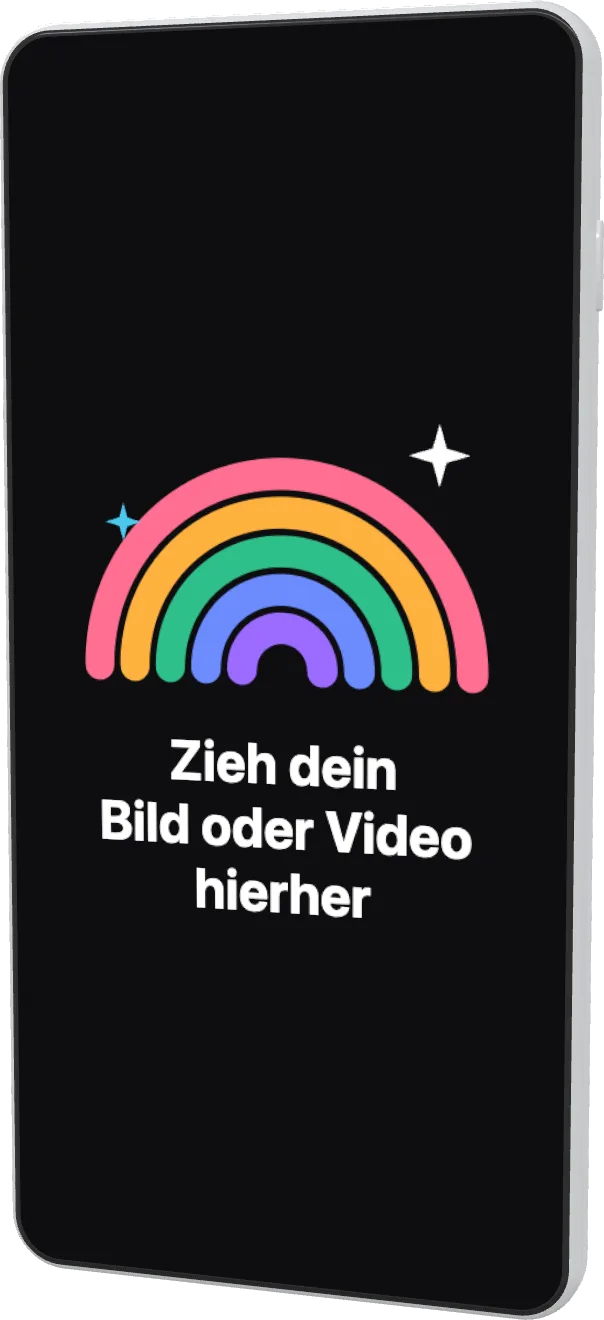 Galaxy S10+2019
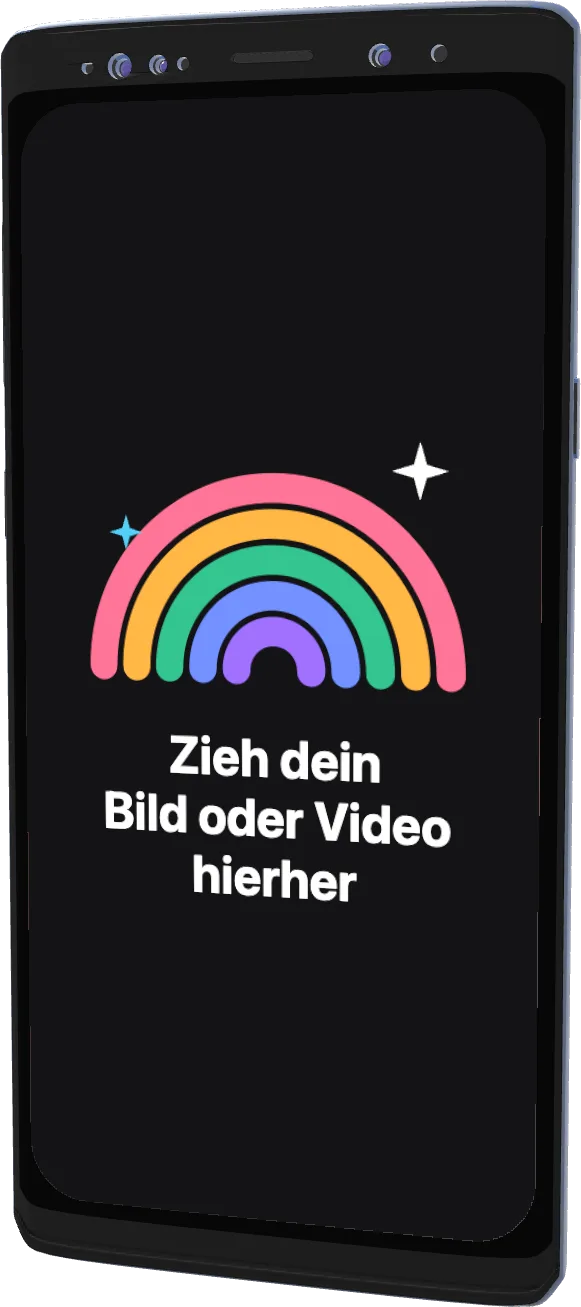 Galaxy Note 92018
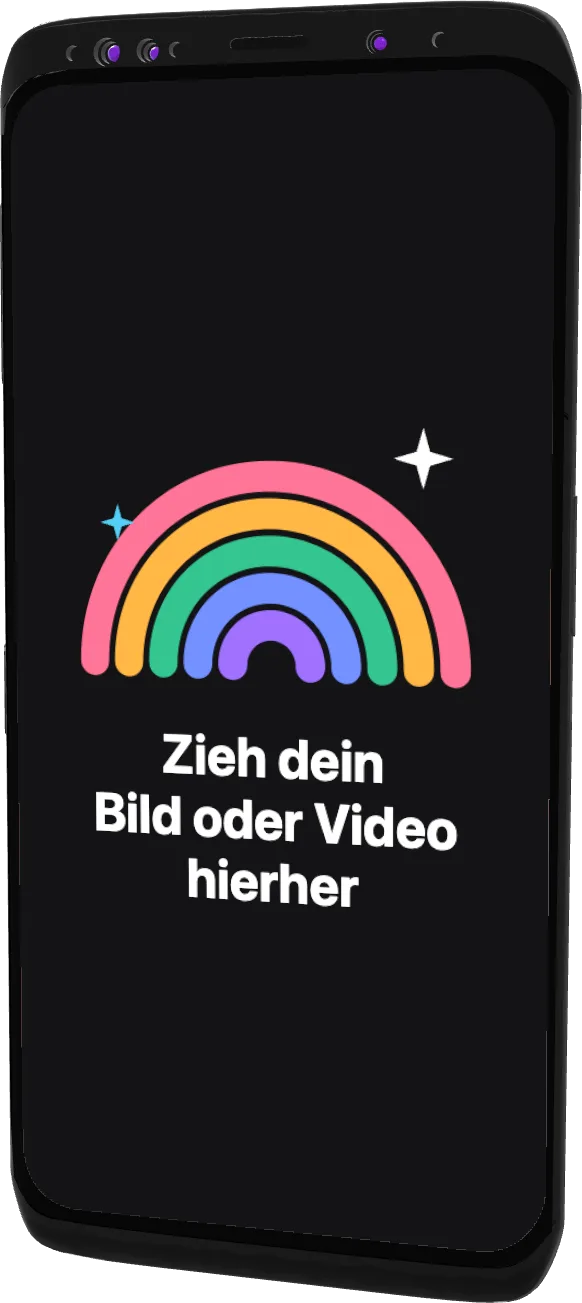 Galaxy S92018
Fragen?

Ein Screenshot.
Mehr braucht es nicht.
Kostenlos für den Mac. Apple Silicon.
Web-App und Figma-Plugin folgen bald.